Ellic Remote · Firmware for the M-VAVE FM-1
Knobs, keys and a screen for your project.
Ellic Remote is free firmware for the M-VAVE FM-1. Install it and the FM-1 becomes a remote for Ellic Studio, over Bluetooth MIDI or a USB cable.
- Runs on
- M-VAVE FM-1
- Works with
- Ellic Studio on iPhone and iPad
- Connects
- Bluetooth MIDI or a USB cable
- Installs
- From Chrome or Edge, over USB
- Licence
- MPL-2.0, free
- Latest
- 0.1.1 (2026-11-04)
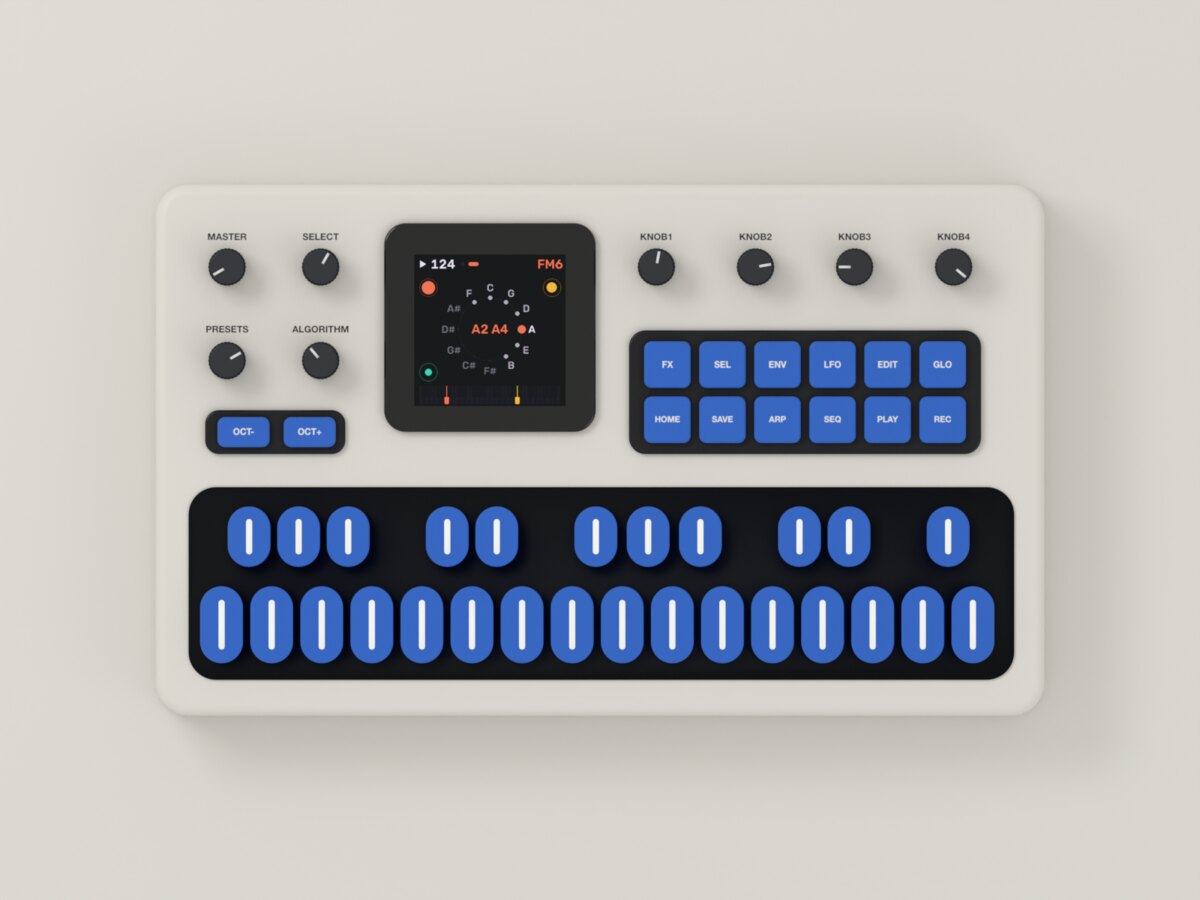
On its screen
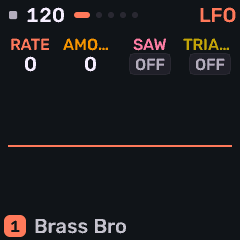
Ellic Studio's pages, on the FM-1.
Melodee FM-1's own pages, filled by Ellic Studio: tracks, sounds, patterns and the transport.
What it does
A remote, and nothing else.
It does
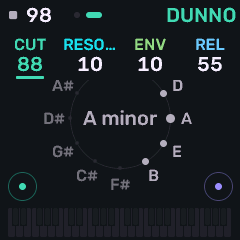
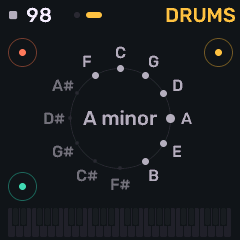
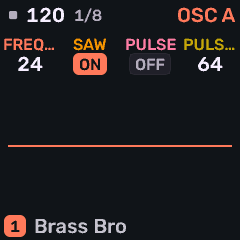
- Shows your tracks, sounds, patterns and transport on the FM-1's own pages.
- Turns a knob, and the value moves in the app. One turn is one step to undo.
- Plays the selected track from its keys, in the key you set.
- Plays, stops, arms, records, adds tracks and copies patterns without touching the glass.
It doesn't
- It keeps no music, makes no sound and stores no projects. All of that stays in Ellic Studio.
- Without the app connected, its keys still send notes and its screen says so plainly.
Install
Three steps.
- 1Connect the FM-1 to a computer with a USB cable.
- 2Open the web installer in Chrome or Edge, and press Find FM-1.
- 3In Ellic Studio, open ☰ › MIDI: Ellic Remote is first under Controllers, by Bluetooth or USB.
The same installer puts M-VAVE's own firmware back whenever you want it. The firmware is open source under the MPL-2.0 licence, and its source is on GitHub.
Replacing a device's firmware is at your own risk. Ellic Studio is not affiliated with or endorsed by M-VAVE. FM-1 is M-VAVE's product.