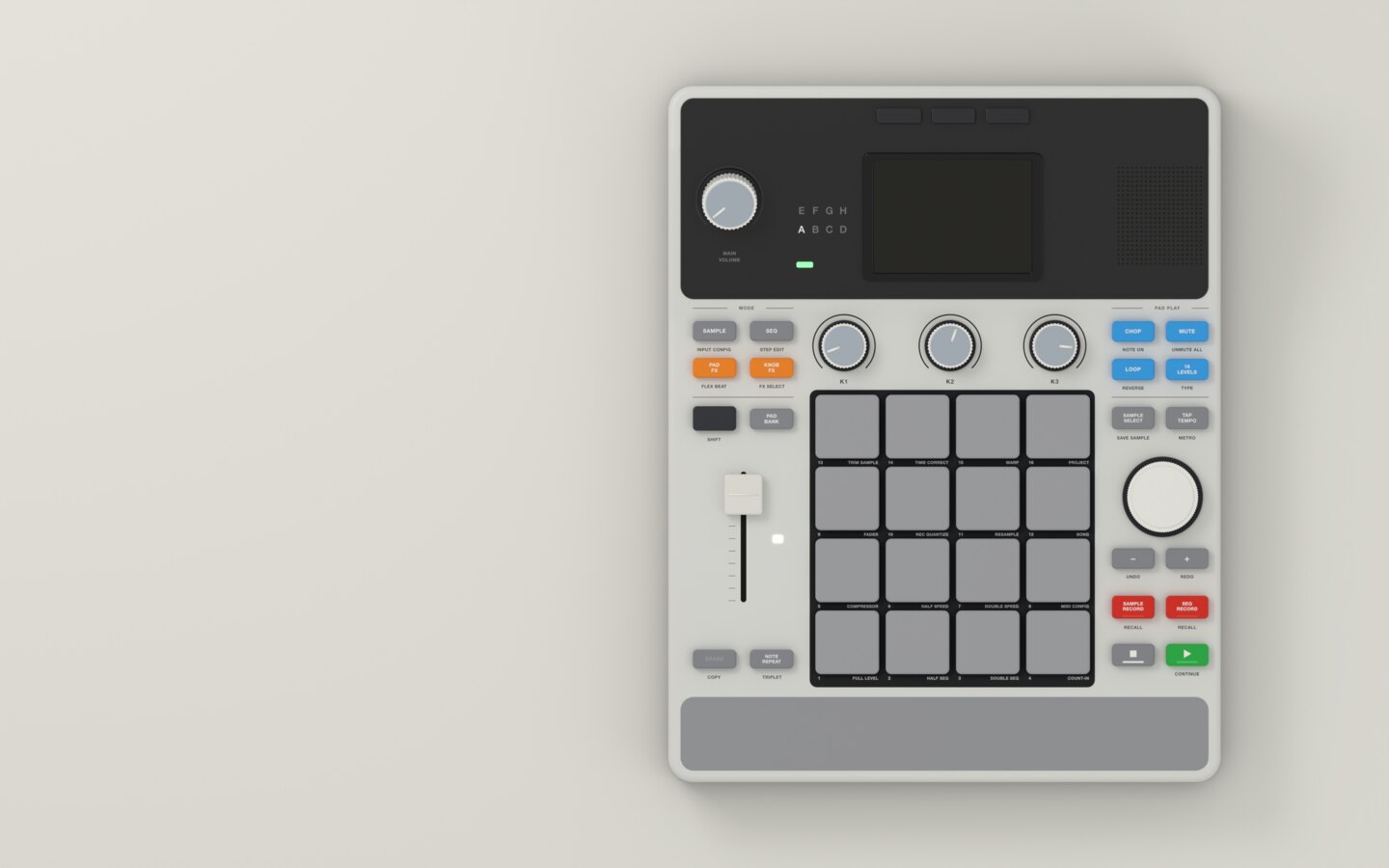
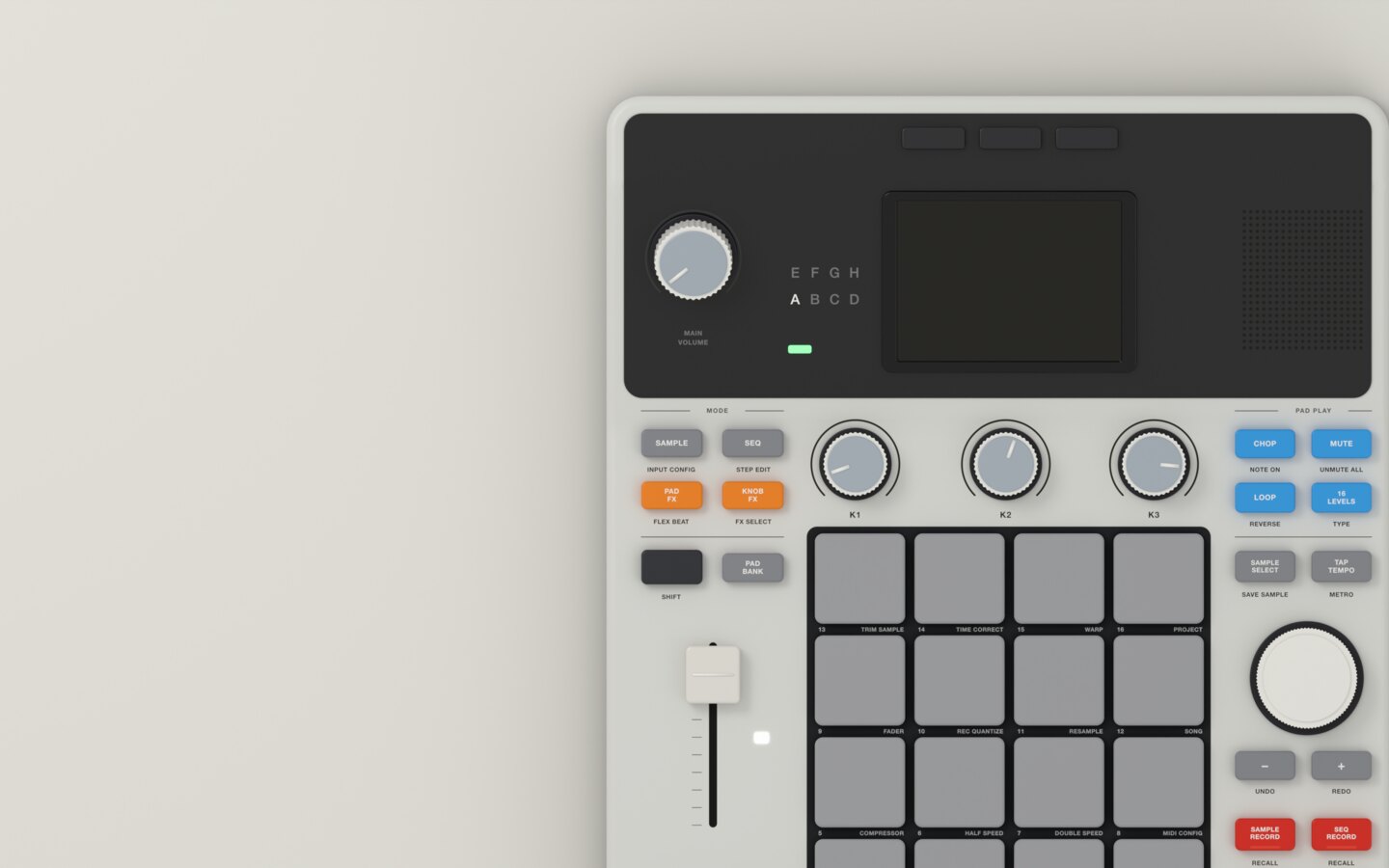
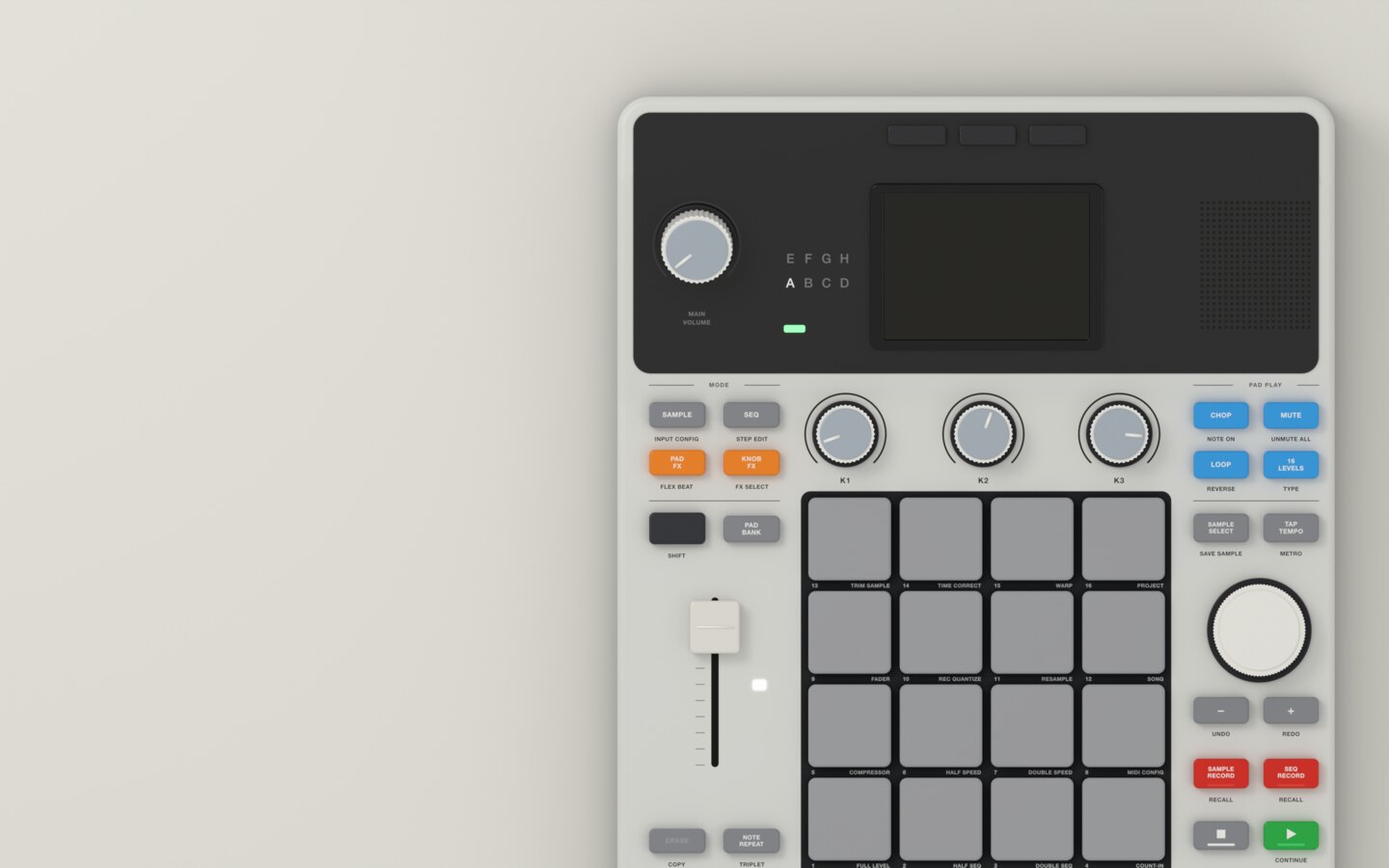
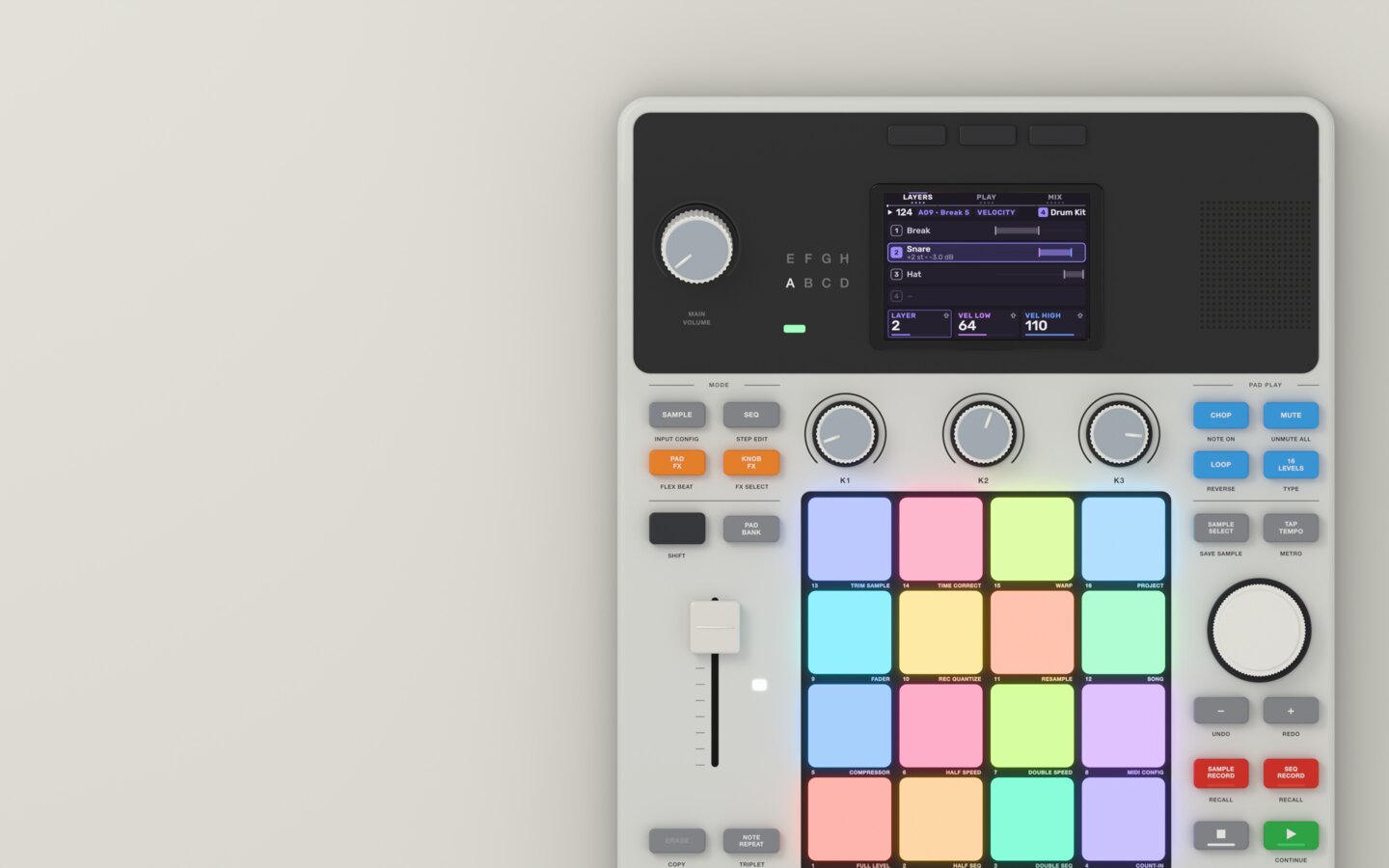
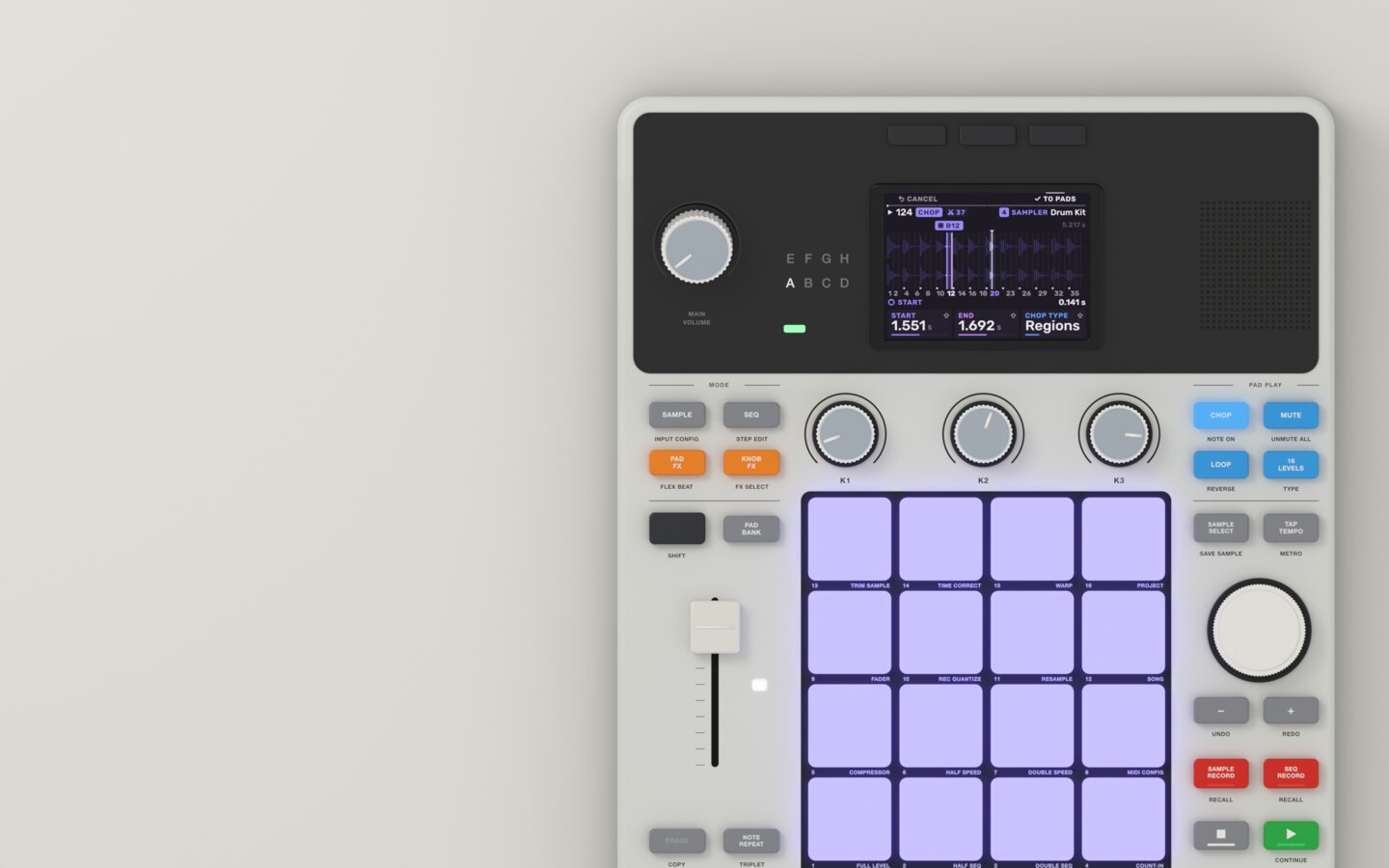
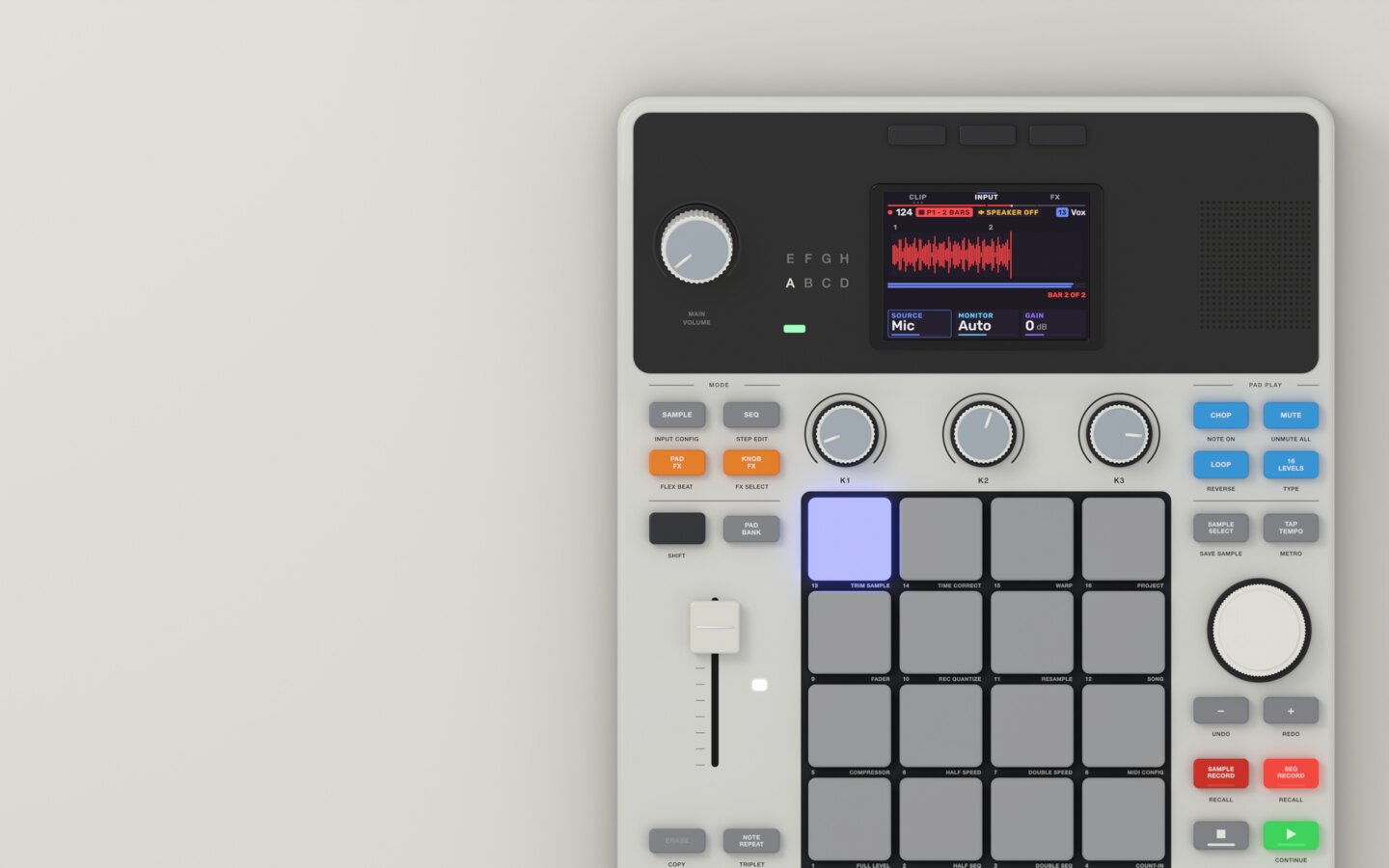
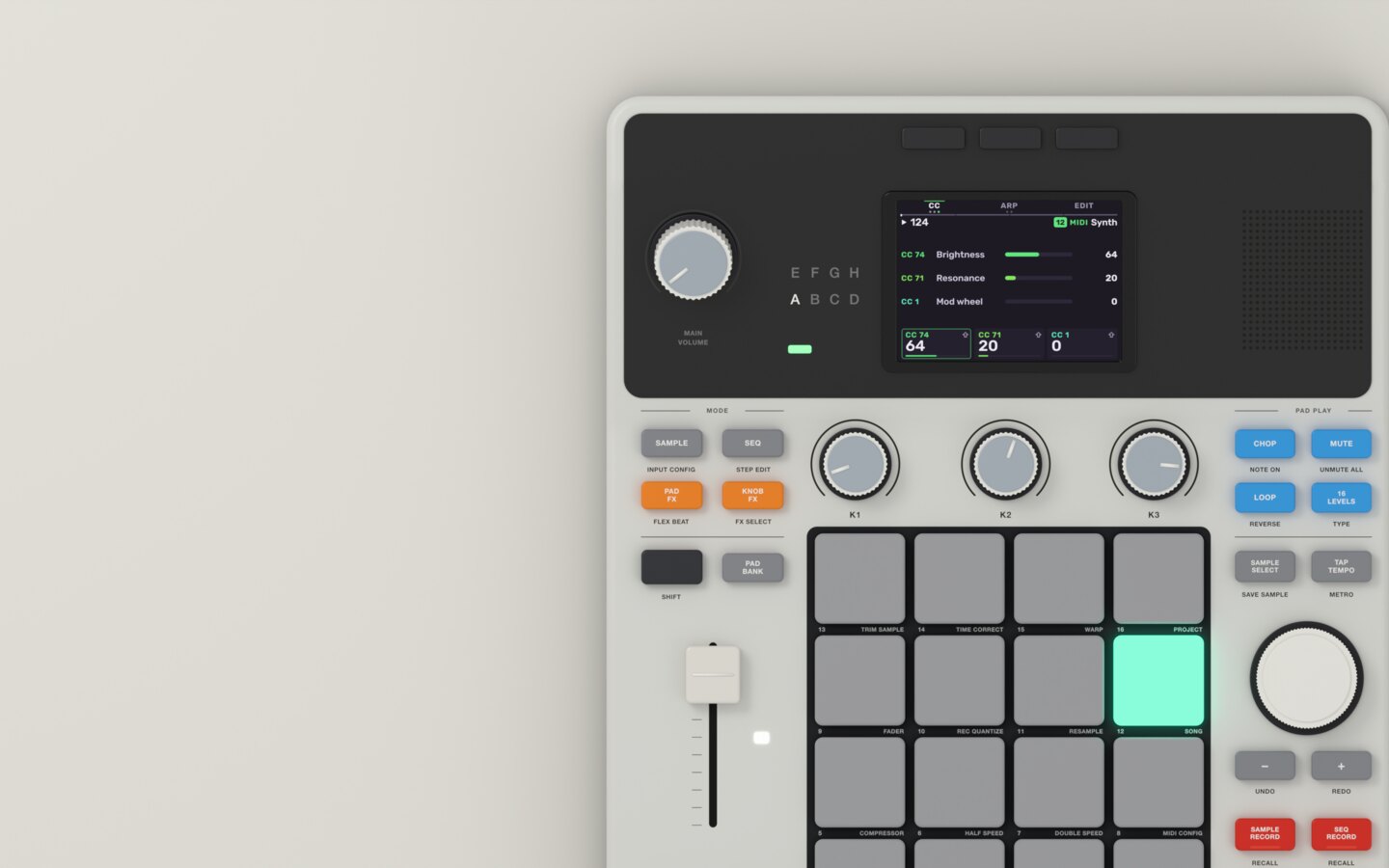
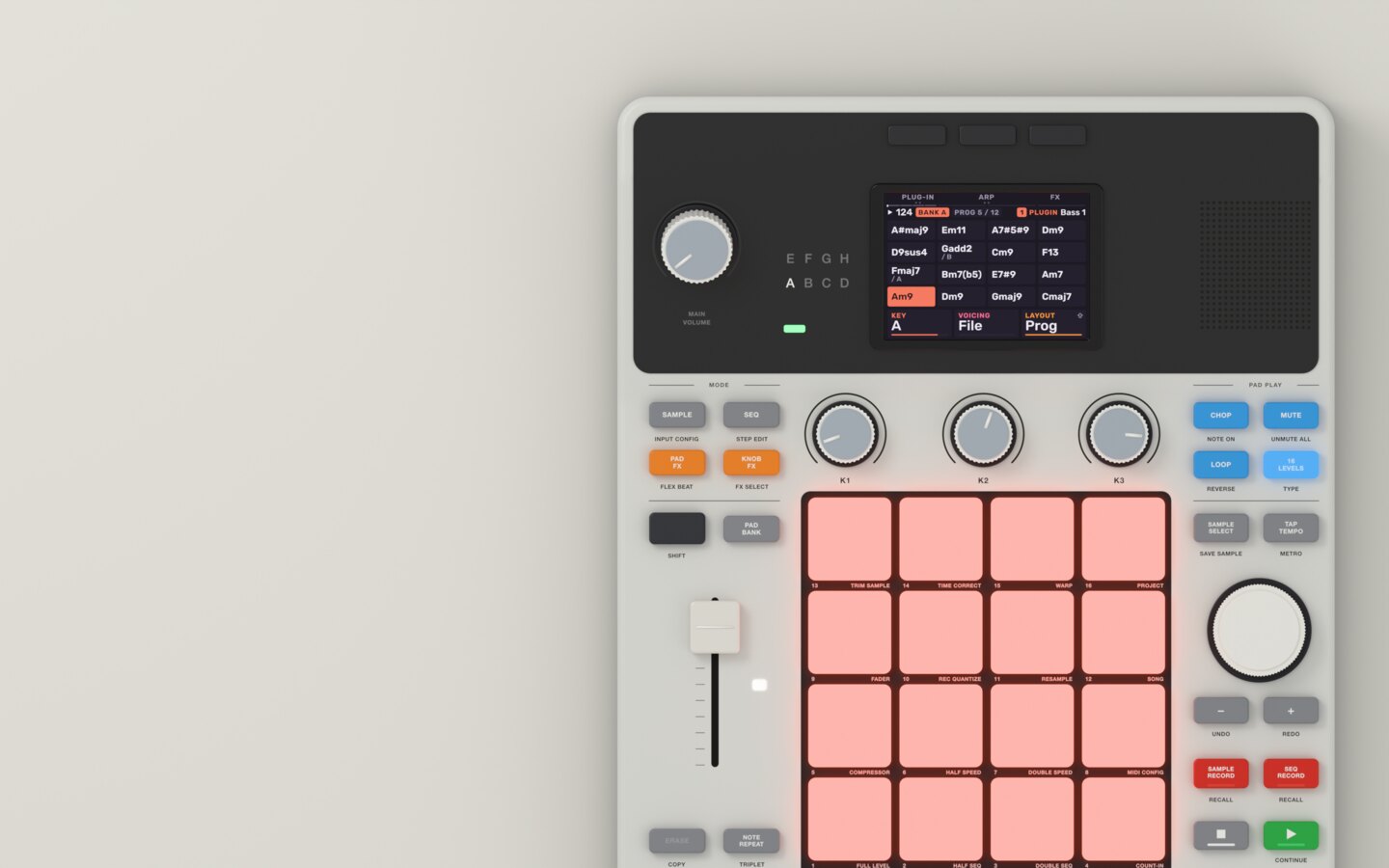
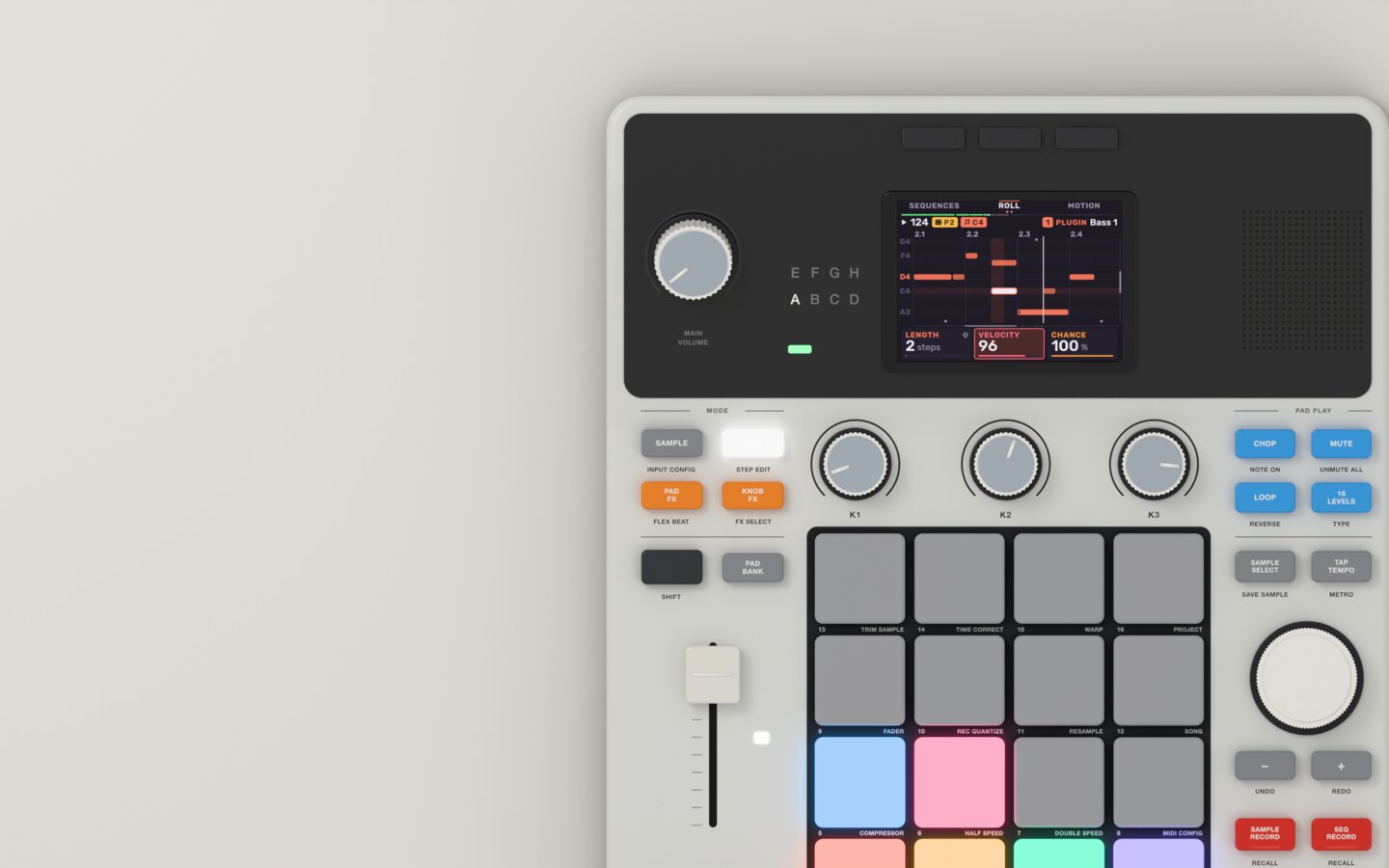
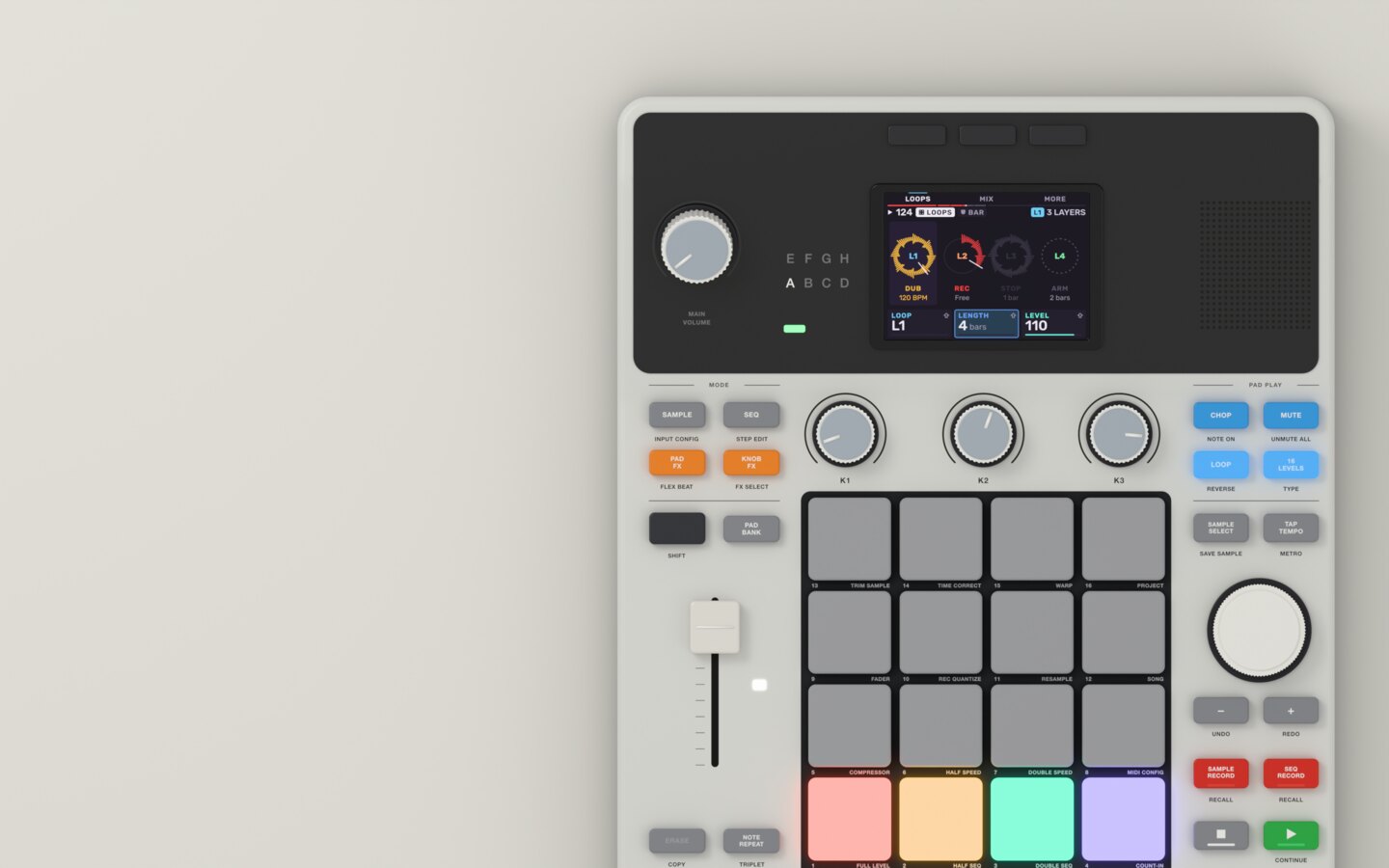
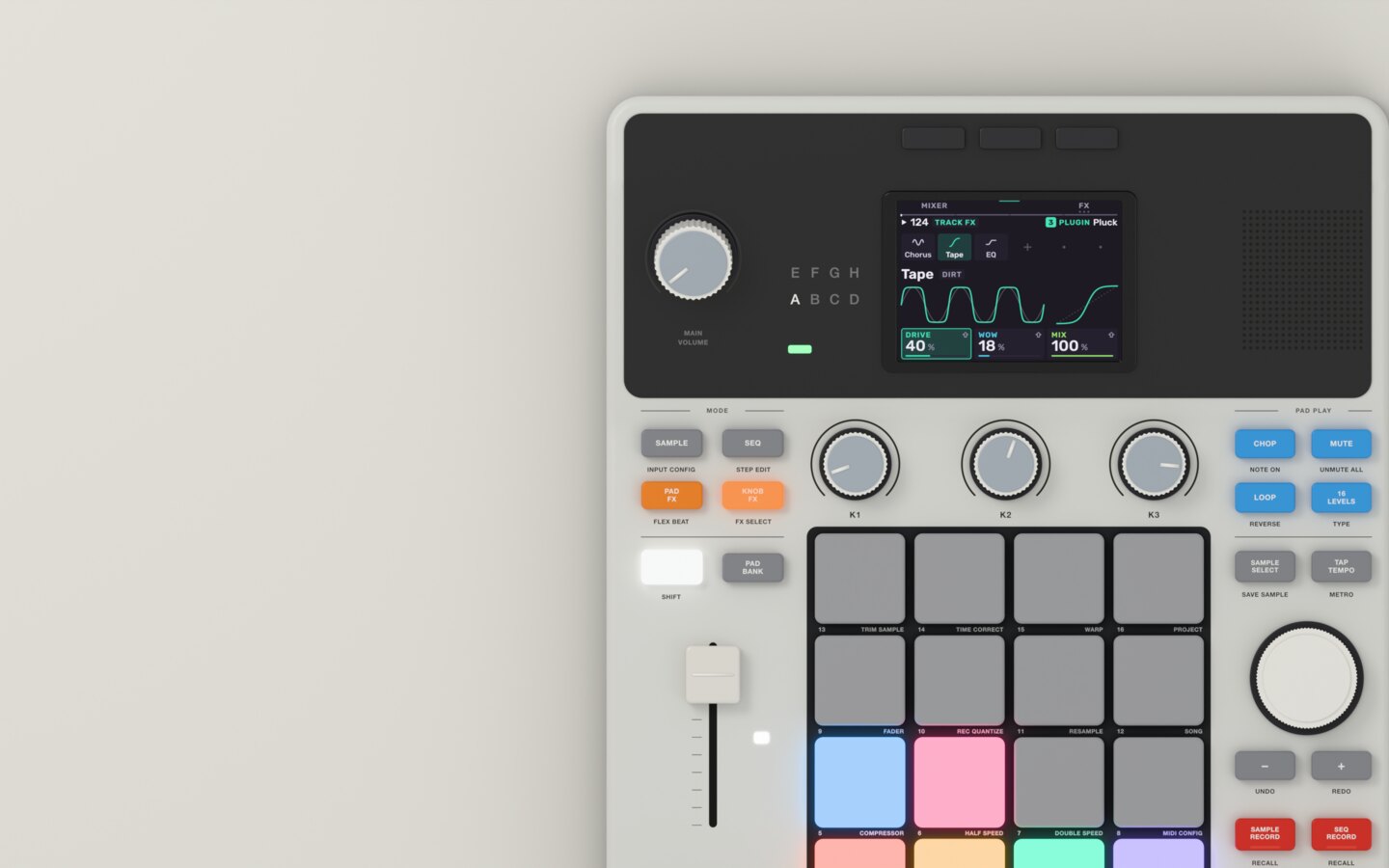
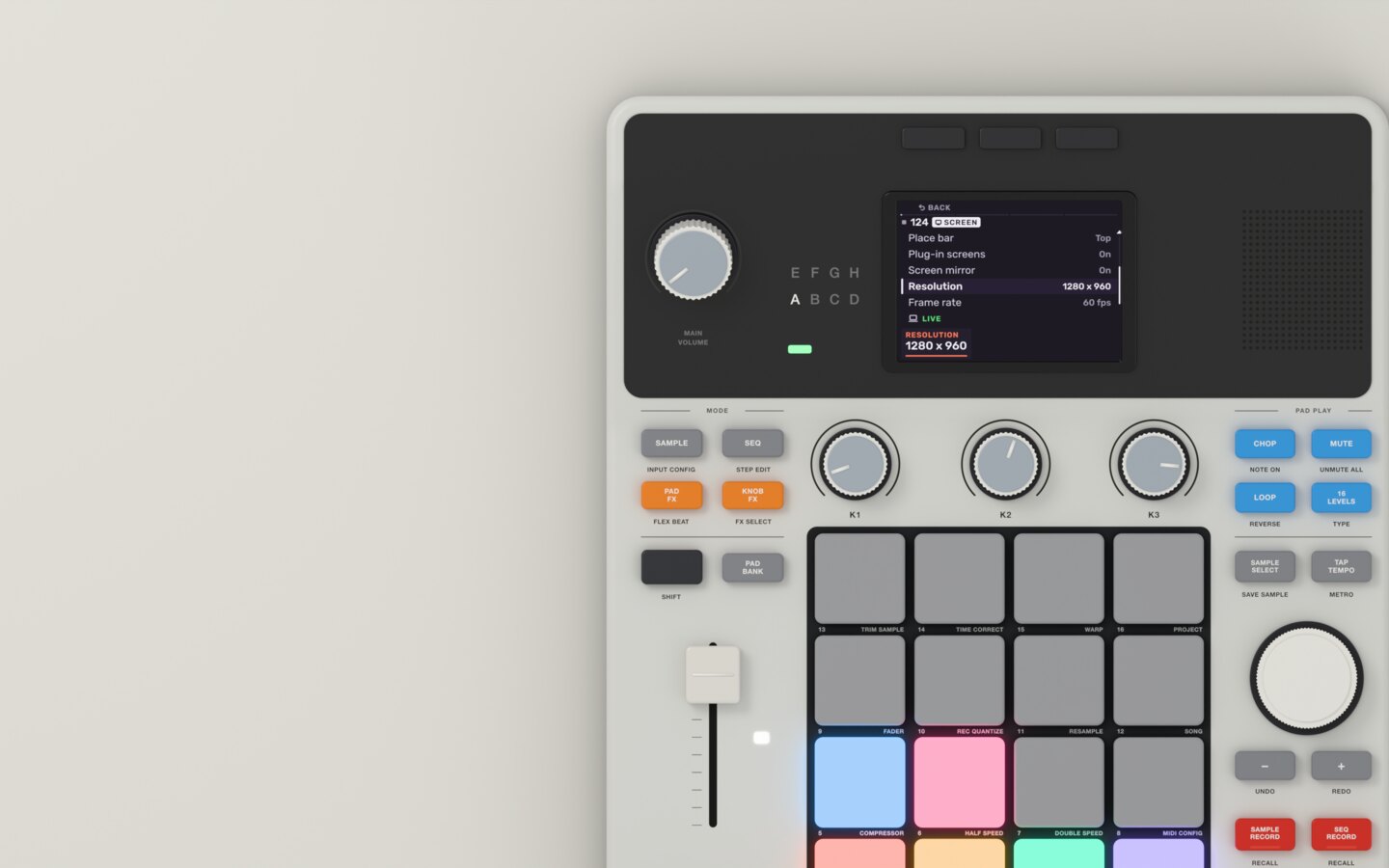
5Pads. Kit, keygroup, plug-in, MIDI or audio track.
1234
1234
1234
1234
1234
1234
1234
1234
1234
1234
1234
1234
1234
1234
1234
1234
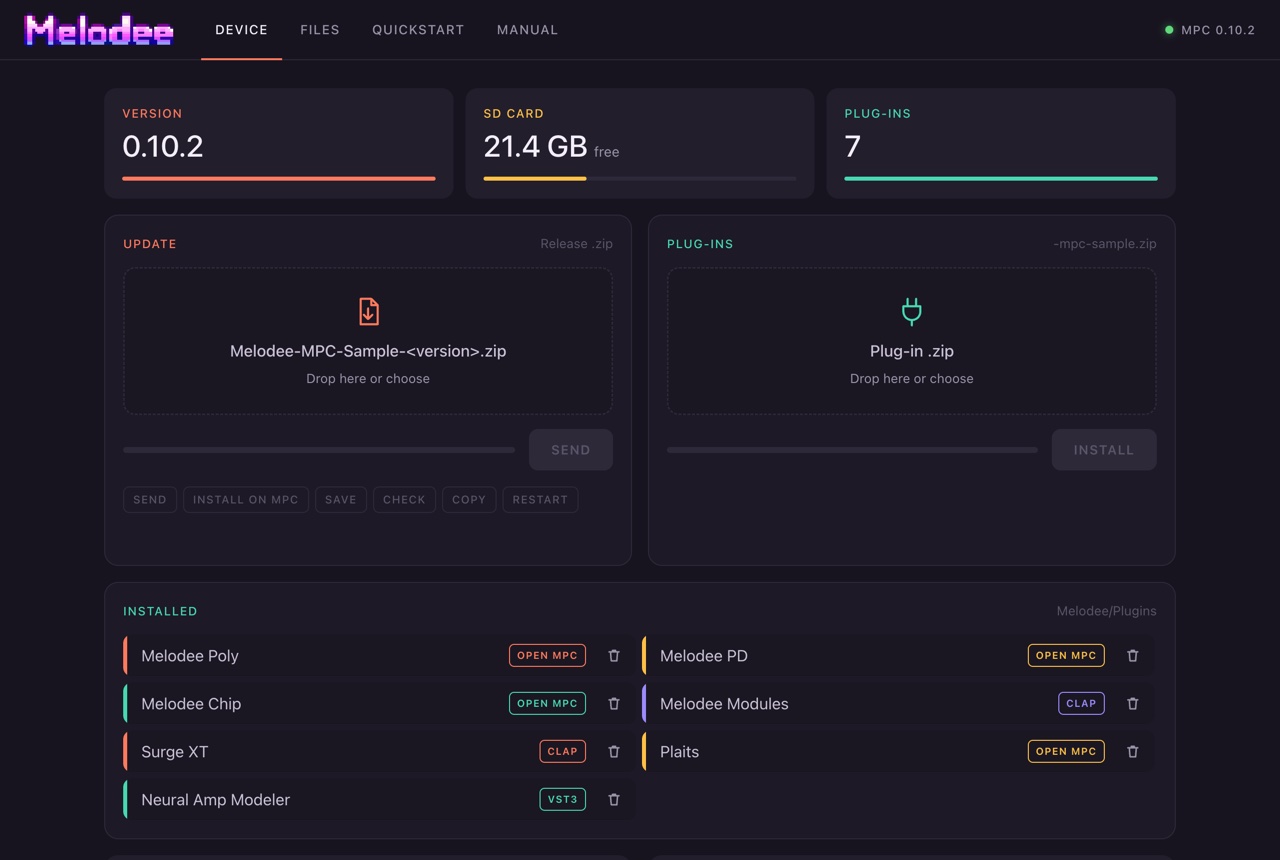
melodee.local
Fig. · Melodee's web page, served by the MPC · example card
12
01 Plug-ins
01 / 18Plug-ins
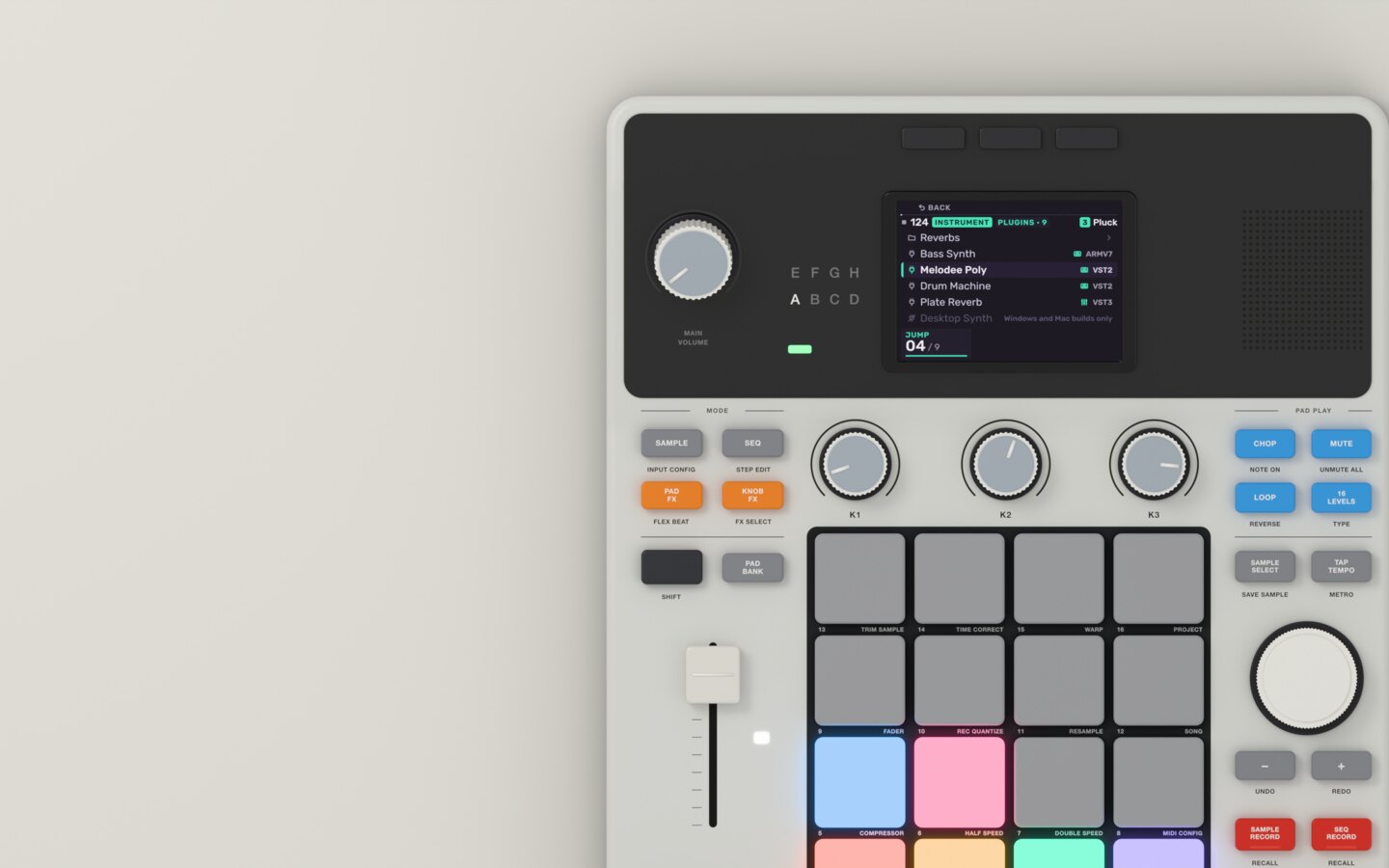
VST3, VST2, CLAP and LV2 on the MPC.
Instruments and effects load from Melodee/Plugins on the card. An instrument plays a track; effects go on track, bus, master and loop chains. Presets load, and each plug-in's state saves with the project.
What loads
VST3
Bundles with an aarch64-linux build
LV2
.lv2 folders for 64-bit ARM Linux
CLAP
.clap files for 64-bit ARM Linux
MPC folders
-mpc-sdk.zip and Open MPC plug-ins
VST2
64-bit ARM; 32-bit ARM runs in a bridge
Builds for Windows or macOS only show dimmed in the picker, with the reason.
1Screen. Name, format and build of each plug-in.
2B1, Back. Up a folder, to the top of the card.
3SAMPLE SELECT. Samples, or the plug-in picker.
4K1 to K3. The value on the card above each knob.
02 / 18Tracks
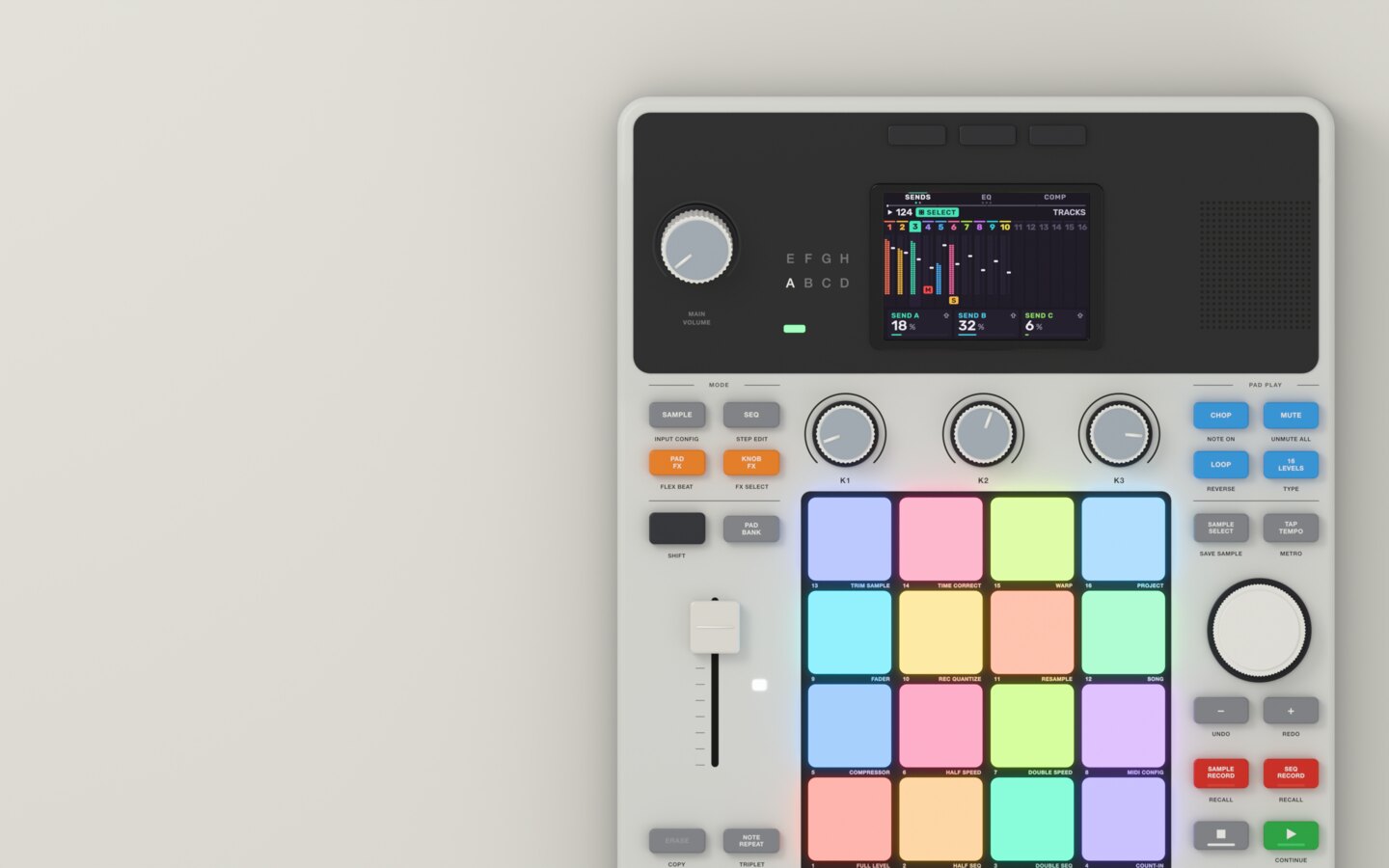
16 tracks, one per pad.
Each pad is a track, with its own patterns. Every track has a mixer strip, sends to four buses and a six-slot effect chain.
Track types
Kit
128 pads in 8 banks
Keygroup
SFZ, .xpm, .xpn, EXS24, SF2, DecentSampler
Plug-in
A VST3, VST2, CLAP, LV2 or Open MPC instrument
MIDI
External gear over USB-C or the MIDI jacks
Audio
Records the input into a pattern
Pads light in each track's colour.
1PAD BANK + pad. Select track 1 to 16 from any page.
2Screen. The mixer: a strip per track, sends on K1 to K3.
3Pads. Play the selected track. Pad 1 is track 1.
4MUTE. Mute pads or tracks.
03 / 18Song and exports
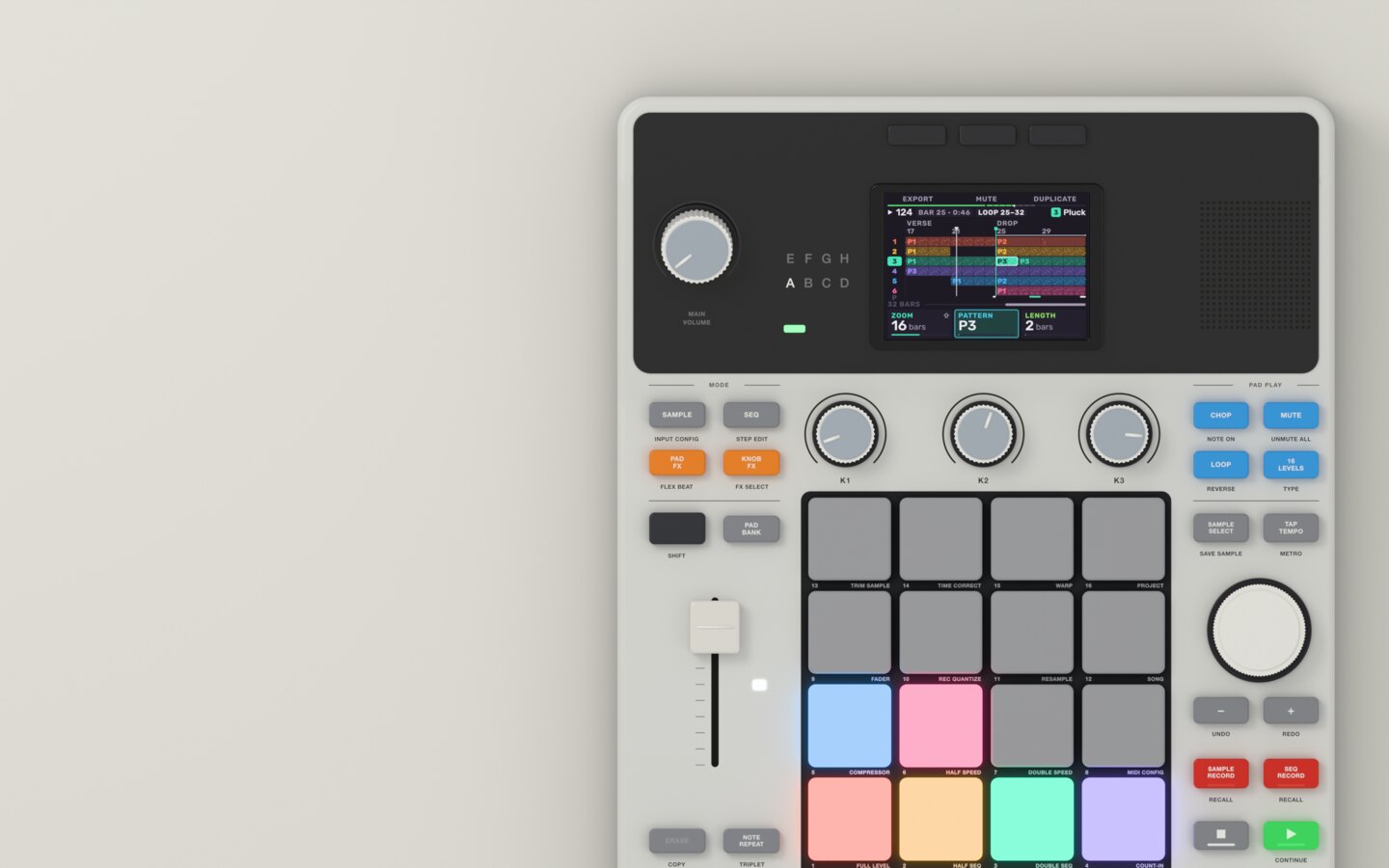
Song, with a lane per track.
Clips of 1 to 128 bars on a lane per track, with markers and a tempo lane. B1 (EXPORT) writes the song out five ways.
Export
Mixdown
32-bit float, 24-bit or 16-bit WAV
Stems
A WAV per track, bus, submix and kit pad, plus the mix
MPC 3
.xpj for MPC One, Live, Key, X and MPC 3
Live Set
.als for Ableton Live 12.1 or later
1SHIFT + pad 12. Opens or closes Song.
2B1. EXPORT: the export sheet.
3B3. PLACE: places a clip, or duplicates one.
4K2, K3. The clip's pattern and length.
04 / 18Stems and sampling
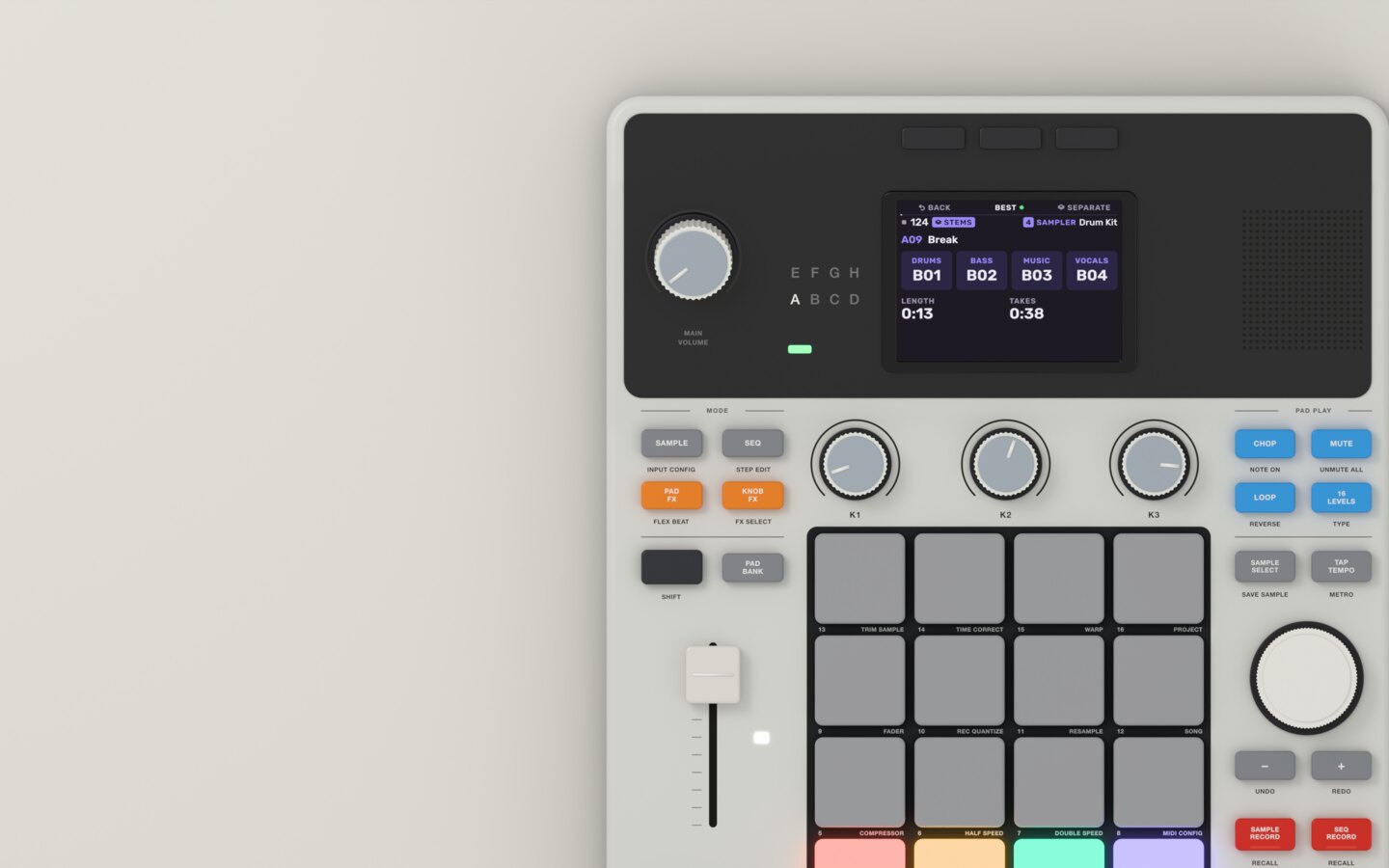
Stems on the MPC itself.
SHIFT + B3 on a pad's TRIM page splits its sample into drums, bass, music and vocals on four empty pads. The auto sampler turns a plug-in or an external synth into a keygroup program.
Samples and instruments
Stems
Drums, bass, music, vocals; 1 s or longer
BEST
Up to 16 kHz in two passes; off: 11 kHz, about 3× quicker
Long samples
Over 10 s play from the card, up to 6 h
Samples
WAV, MP3, FLAC, Ogg Vorbis, AIFF
Instruments
SFZ, .xpm, .xty, .xpn, EXS24, SF2, DecentSampler
Auto sampler
Steps of 1–24 semitones, 1–8 layers
A 13 s sample takes about 40 s with BEST, about 15 s without.
1SAMPLE SELECT. The sample browser.
2SHIFT + B3. STEMS, on a pad's TRIM page.
3B2. BEST on or off.
4SHIFT + pad 11. AUTO SAMPLE, on a plug-in or MIDI track.
05 / 18Kits
Kits of 128 pads.
Eight banks of 16 pads on a kit track. Each pad has up to four layers, its own effect chain and sends to four buses.
Each pad
Banks
A–H, 16 pads each
Layers
Up to 4: Velocity, Cycle, Random, Cycle hold, Random hold, CC
Follow
Beats, Tones or Tape
Cloud
Position, grain size, density
Effects
4 slots; sends to buses A–D
Output
The kit, or submix 1–8
LAYERS, FOLLOW, CLOUD and SENDS show on Full.
1SAMPLE. Stage: the pad's pages.
2PAD BANK. Next bank. With SHIFT, the one before.
3B2. PLAY, COLOUR, FOLLOW, CLOUD.
4B3. MIX, SENDS, FILTER, FILT ENV, KIT FILT.
06 / 18Chop
Up to 128 slices.
Every cut lands on a zero crossing, and the slices are kept in the WAV, as on the MPC.
Stock
CHOP cuts a pad's sample into slices on the pads.
Melodee
Up to 128 slices in 8 banks, five chop types, cuts on the drums stem with B2 (CLEAN), and slices to a new kit with B3 (TO PADS).
Chop
Slices
Up to 128, 16 a bank
Types
Threshold, Regions, Beats, Manual, Auto
Regions
2–64 slices
Auto
8, 16, 32 or 64 slices
To pads
POLY, MONO, THRU or KIT
1CHOP. Opens Chop. Again: back to TRIM.
2K3. Chop type.
3B3. TO PADS.
4PAD BANK. The next 16 slices.
07 / 18Audio tracks
Audio tracks.
Record the input into a pattern, as on the MPC 3. Each take has its level, start and end, fades, reverse and warp.
Takes
Sources
Rear L+R, L or R; Mic; USB L+R, L or R
Gain
−12 to +24 dB
Level
−60 to +12 dB
Warp
Off, Stretch or Repitch
File
24-bit WAV at Melodee's sample rate
Song
A take on a Song lane, up to 128 bars
Save the project once before the first take.
1SAMPLE RECORD. INPUT: source, gain, monitor.
2SEQ RECORD. Arms the take.
3B1. CLIP, FADES, WARP.
4K1. Source, level or warp mode, by page.
08 / 18MIDI tracks
MIDI tracks for outboard gear.
A MIDI track plays an external synth or drum machine over USB-C or the MIDI jacks, with program changes, CC knobs and SysEx.
MIDI track
Program
Bank MSB, LSB and program; one per pattern
Knobs
24 slots: CC, 14-bit CC, bend, pressure, NRPN
Delay
−50 to +50 ms
SysEx
.syx from Melodee/SysEx, on load or on push
Audio
The synth's sound back through the track
1B1. DEVICE, PROGRAM, CC.
2K1 to K3. Three CCs on the CC page.
3B3. EDIT pages, listed on B2 MAP.
4SHIFT + pad 11. Auto samples the synth.
09 / 18Chords
Chord progressions on the pads.
MPC 3 progression files play on the pads, on any track. A chord builder makes your own.
Stock
16 LEVELS spreads one pad over the 16 pads; SHIFT + 16 LEVELS sets the type.
Melodee
A Chords type: hold 16 LEVELS, press B2 (CHORDS) and turn the encoder through progressions.
Chords
Files
MPC 3 .progression, up to 48 chords
Banks
A–C, 16 chords each
Builder
ROOT, CHORD, INVERSION a pad, on K1–K3
Saved
Mine 1, Mine 2… in Melodee/Progressions
Types
Velocity, Filter, Tune, Scale, Zones, Chords
116 LEVELS, held. Chord setup.
2B2. CHORDS, then FILE.
3B3. SET: the chord builder.
4PAD BANK. Banks A to C.
10 / 18Sequencing
128 patterns a track.
Piano roll, step sequencer and step entry. A step can lock parameters, ratchet and follow a trig condition. Each track has its own speed and direction.
Sequencer
Patterns
128 a track in 8 banks, up to 128 bars
Sequences
128, with chains and follow actions
Ratchets
1–8 hits a step
Conditions
Always, n:m, Fill, First, Pre, Nei, and their opposites
Speed
×1/64 to ×4 a track
Direction
FWD, REV or RND, on SHIFT + LOOP
1SEQ. Tap: sequences. Hold: the track's patterns.
2SHIFT + SEQ. Step Edit.
3B1. On Step Edit: NOTE, LOCK, TRIG, SOUND, EUCLID.
4SHIFT + K3. Track speed, on Patterns.
11 / 18Looper
Four loops that follow the tempo.
LOOP + 16 LEVELS opens the Looper. Record, close and overdub with the encoder; B2 (COMMIT) puts a loop on the next empty kit pad.
Looper
Loops
L1–L4
Lengths
Free, 1, 2, 4, 8, 16, 32, 64, 128 bars
Quantize
Bar, Beat or Off
After a take
Play, Overdub or Stop
Undo
Pads 5–8: the last overdub
The Looper shows on Full.
1LOOP + 16 LEVELS. Opens the Looper.
2Encoder, push. Record, close, overdub.
3K2. Loop length.
4Pads 5 to 8. Undo or redo the last overdub.
12 / 18Effects
41 effects, six slots a track.
Every track and the master have a six-slot effect chain, with plug-in effects beside Melodee's own. Four send buses and eight submixes.
Effects
Effects
41 in 6 families
Chains
6 slots a track and on the master; 4 a pad
Buses
A–D, plus 8 submixes
EQ
9 bands, 63 Hz–16 kHz, ±12 dB
Knob FX
The stock 28 and 15 more
Plug-ins
VST3, LV2, CLAP, VST2 effects
1SHIFT + KNOB FX. The effect chains.
2PAD FX + KNOB FX. The mixer.
3Encoder, push on +. The effect picker.
4B3. Next chain: track, bus, master, pad.
13 / 18Freeze
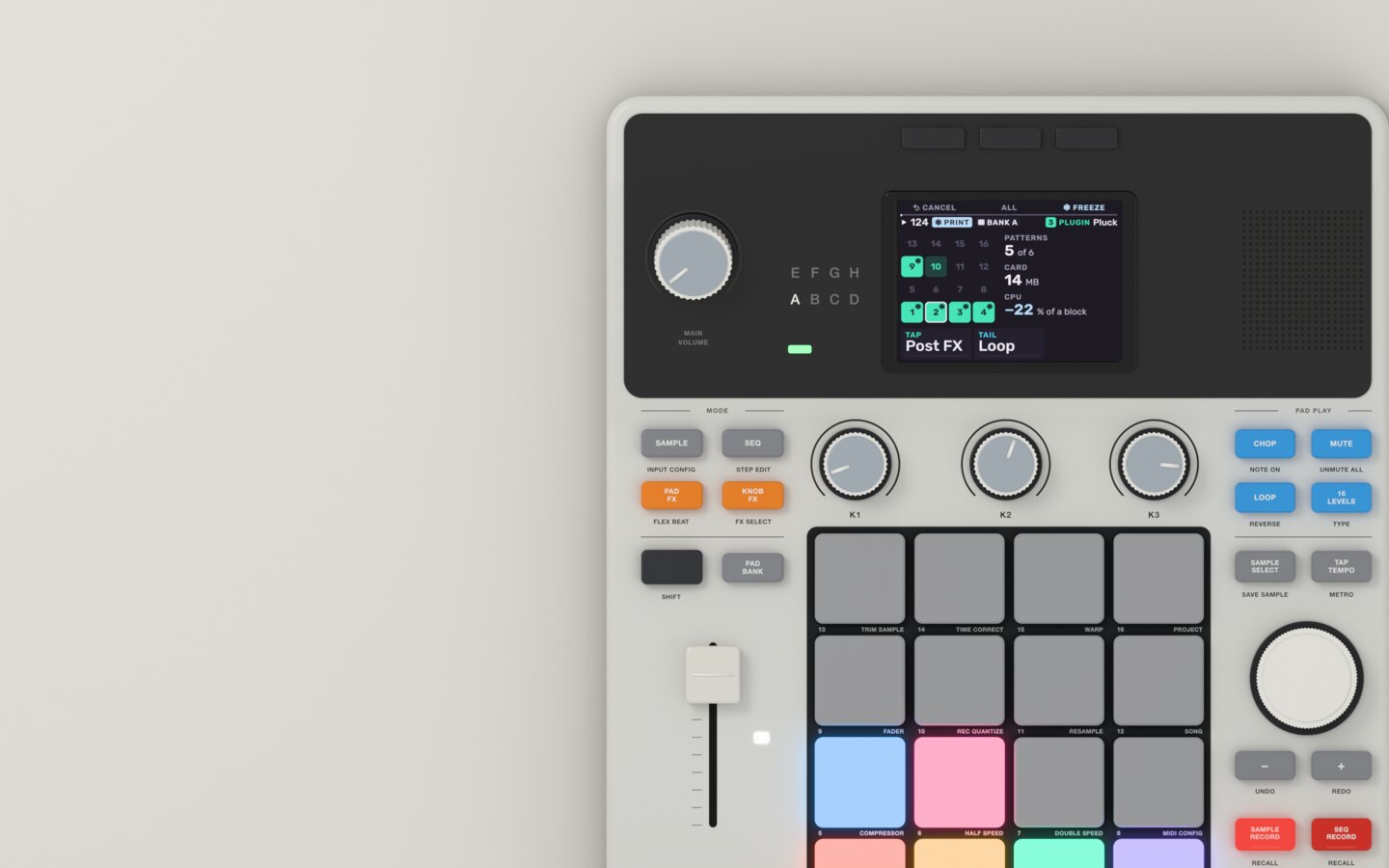
Freeze a track to audio.
Print a track's patterns to the card and play them from there. Deep freeze also unloads the track's plug-ins.
Freeze
Stays live
Level, pan, sends, mute, solo
Refreeze
Prints only the changed patterns
Shows
Card space used, CPU saved
Tap
Post FX or Pre FX
Tail
Loop, Ring or Cut
Unfreeze
SHIFT + B1
1SAMPLE RECORD. The PRINT sheet.
2K1. TAP: Post FX or Pre FX.
3K2. TAIL: Loop, Ring or Cut.
4SHIFT + B3. Deep freeze.
14 / 18Sync
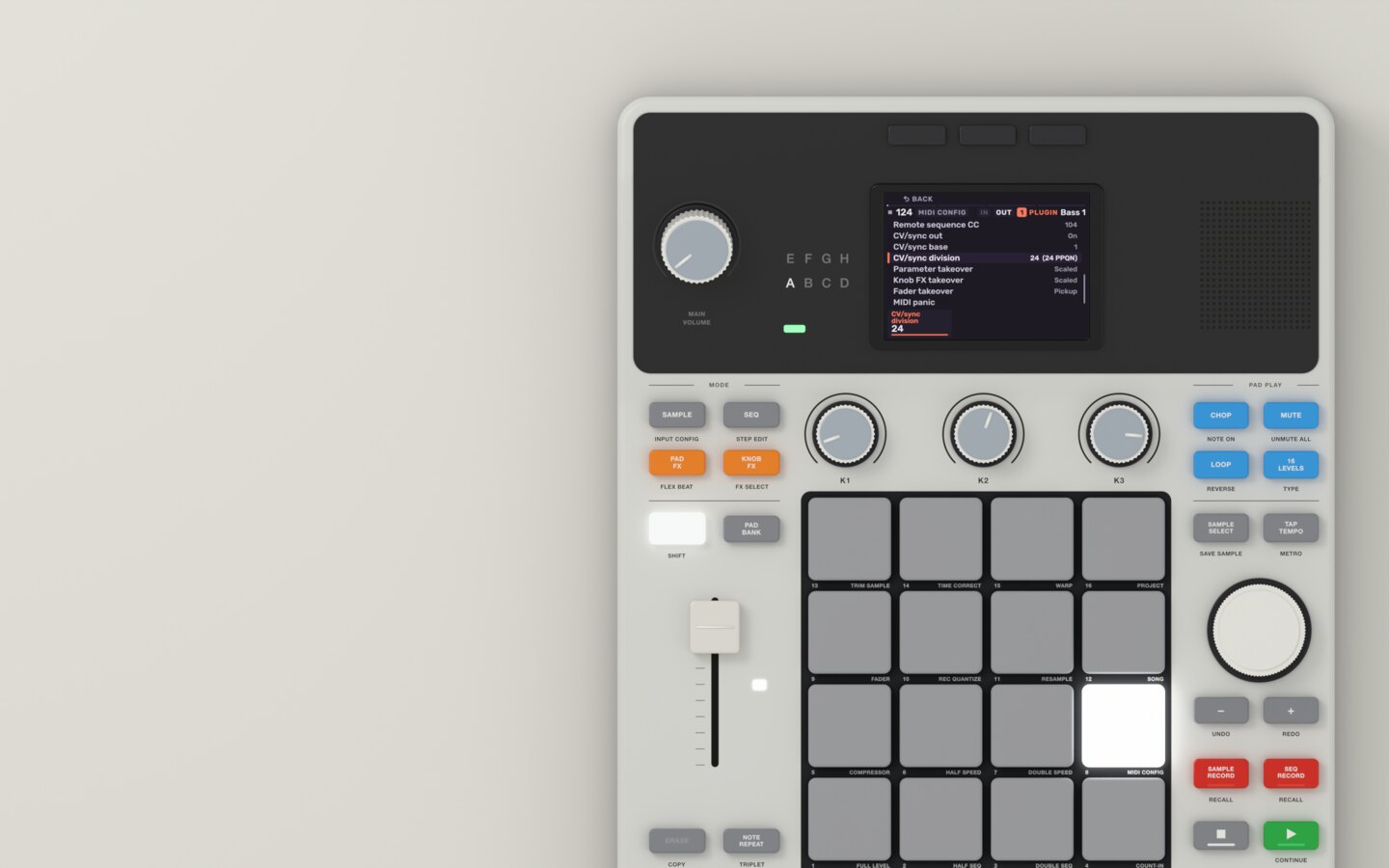
MIDI clock, MTC and CV clock.
Melodee follows or sends MIDI clock and MTC, and sends a clock from the CV/sync out. Clocks go out in time with the sound you hear.
Sync
In and out
Off, MIDI Clock or MTC
Clock in
Start, Continue, Stop, Song Position, tempo
MTC
24, 25, 29.97 drop-frame, 30 fps
CV out
Base 1–8, division 1–24
1SHIFT + pad 8. Settings. Open MIDI.
2Encoder. Turn to a row.
3K1. Sets the row's value.
4MINUS, PLUS. One value at a time.
15 / 18The Menu
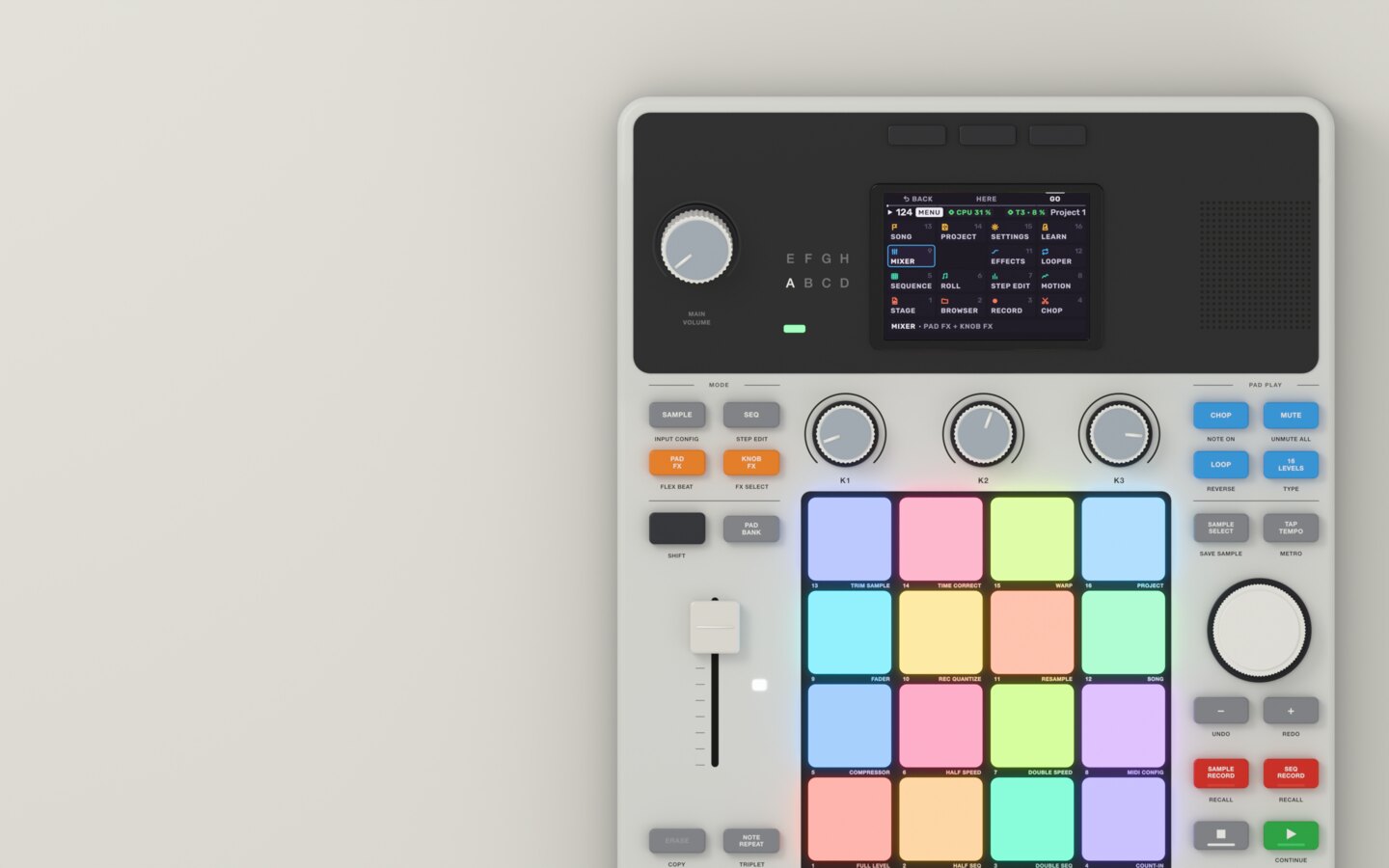
Hold the encoder for the Menu.
HERE lists the page's jobs with their shortcuts. GO lays out 16 places as the pads. Four lessons run on the MPC itself.
The Menu
Places
16, laid out as the pads
Lessons
First beat, Sequences, Mix a track, Shape a pad
Header
CPU load
Basic
The stock pages plus tracks, plug-ins, mixer, Song
Full
Every page; Melodee starts on Full
1Encoder, hold. The Menu.
2B2. HERE: this page's jobs.
3B3. GO: the 16 places.
4Pad 16, on GO. LEARN: the lessons.
16 / 18Palettes and fonts
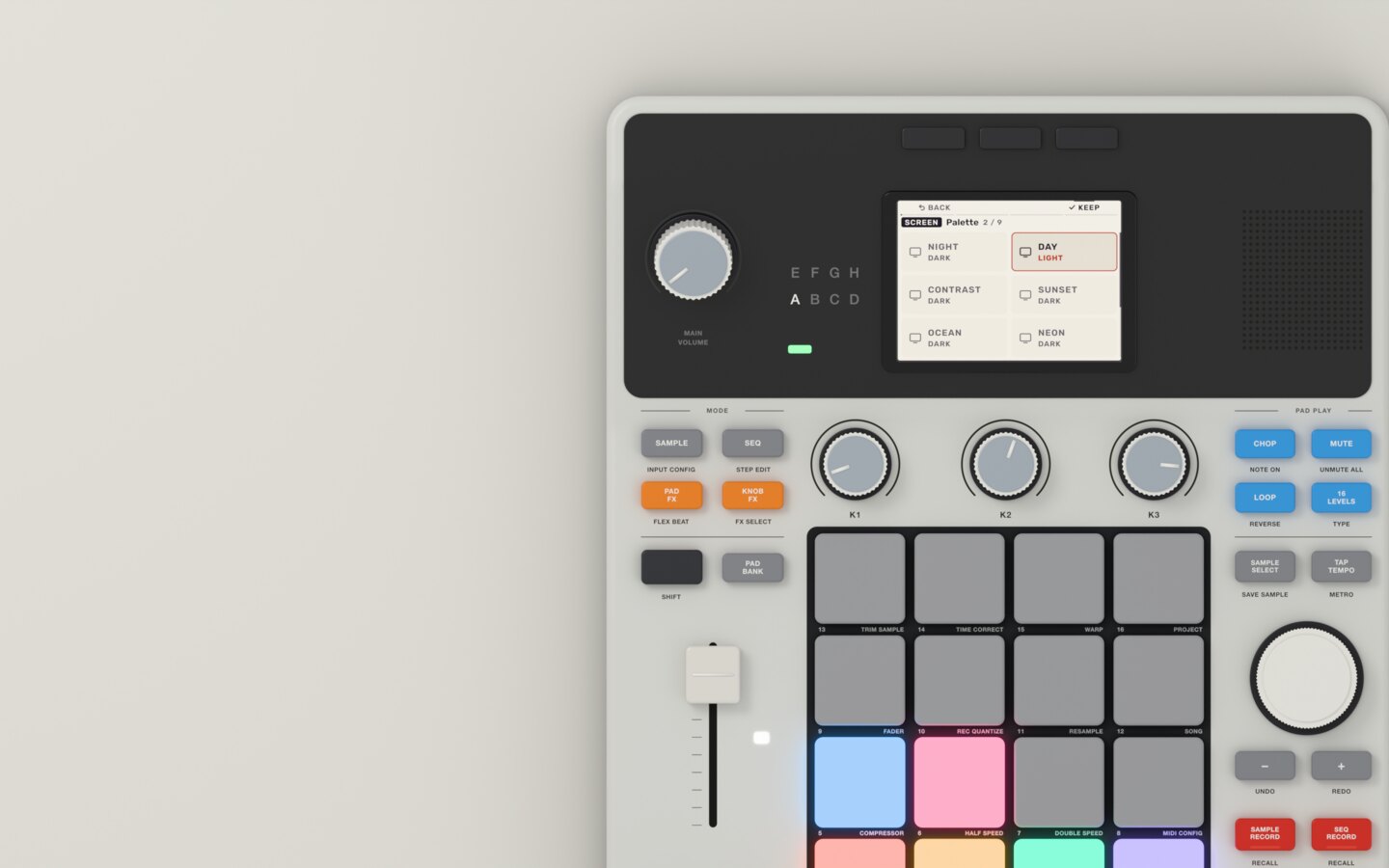
Nine palettes, eight fonts.
Settings > SCREEN shows each palette and font on the whole screen as you turn the encoder.
Rubik, Inter Tight, Atkinson, Space Grotesk, IBM Plex, Manrope, Melodee Pixel, VT323
LCD
Always in Melodee Pixel
Brightness
20–100 %
Screensaver
Off, 1, 2, 5, 10 or 30 min
1Encoder, push. The choices as cards.
2MINUS, PLUS. Step through them.
3B3. KEEP.
4B1. BACK: puts the old one back.
17 / 18Web page
melodee.local
Connect the MPC to a computer with USB-C while Melodee runs, and open http://melodee.local. Updates, plug-ins, the card's files and the guide, in the browser.
Tabs
Device
Version, card space, update and plug-in uploads
Files
Play, download, upload, make folders, delete
Quickstart
Works offline
Manual
Works offline
An update installs when you press B3 (INSTALL) on the MPC. An upload never replaces a file.
18 / 18Firmware 1.3.0.12Firmware 1.3.0.12
Screen Mirror, file sharing, 96 kHz.
On firmware 1.3.0.12 the MPC shows up on a computer as a camera with Melodee's screen and as a shared drive, and runs at 48 or 96 kHz.
On 1.3.0.12
Screen Mirror
A camera named MPC Sample, up to 1280 × 960 at 60 fps
Delay
About 2 frames
Works with
Mac, Windows, Linux, USB-C iPad
File sharing
smb://melodee.local, as Guest, share SD Card
Sample rate
44.1, 48 or 96 kHz
Firmware 1.4 stops apps loading their own drivers, so these stay off there.
1SHIFT + pad 8. Settings: SCREEN and AUDIO.
2Screen. Screen mirror, resolution, frame rate.
Melodee 0.10.6
Free, open source, and it leaves the MPC as it was.
Melodee starts from the card. Choose MPC APP on its Exit screen, or remove its autorun folder, and the stock app runs as before.