Melodee on Move · Ableton Move with Schwung
Melodee on the Move's 32 pads.
Melodee's sampler, Chop, sequencer and mixer on the Ableton Move, as a tool in Schwung. The Move's own firmware stays: SHIFT + BACK ends Melodee and the Move starts again.
- Runs on
- Ableton Move, Ableton's firmware with Schwung
- Installs
- Schwung's module catalog, under Tools
- Licence
- AGPL-3.0, free
- Latest
- 0.6.0 (2026-11-28)
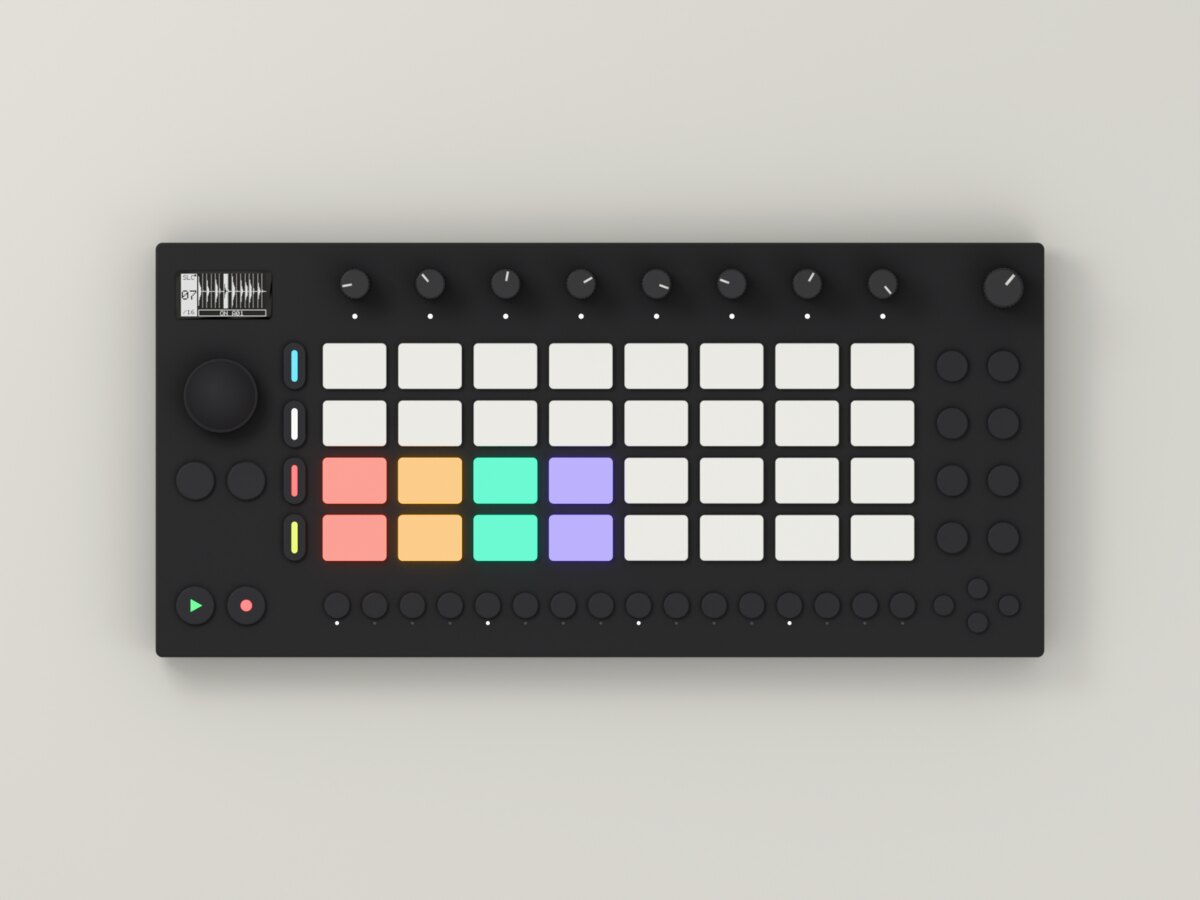
Tracks
Sixteen tracks.
MoveThe Move has four tracks.
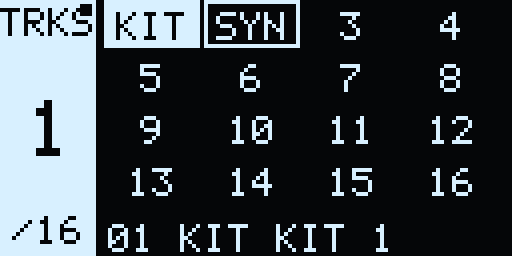
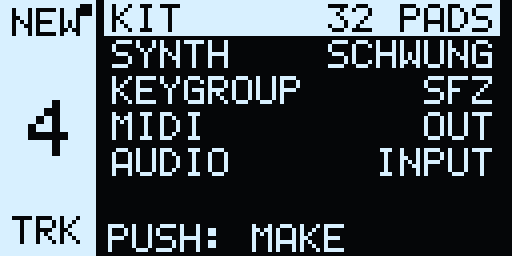
The track buttons are the four tracks of the selected bank: 1-4, 5-8, 9-12 or 13-16. Hold one to see all sixteen and pick one on the steps. With a track button held, an empty step opens the new-track sheet.
- Track types
- Kit, synth, keygroup, MIDI, audio
- Project
- Melodee's .mldp, as on the MPC Sample
Kits
128 pads in eight banks.
MoveA Move drum track has 16 pads.
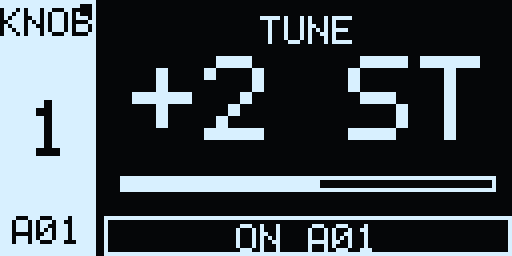
A kit has eight banks; the 32 pads show two of them, and Plus and Minus move 16. Shift + the jogwheel walks the nine pad pages. Touch a knob to see its value large.
- Pad pages
- TRIM, LAYERS, TUNE, AMP ENV, PLAY, CLOUD, MIX, FILTER, KIT FILT
- Loads
- Bank files, MPC drum programs, the Move's own drum kits
- Long samples
- Up to six hours, played from storage
Chop
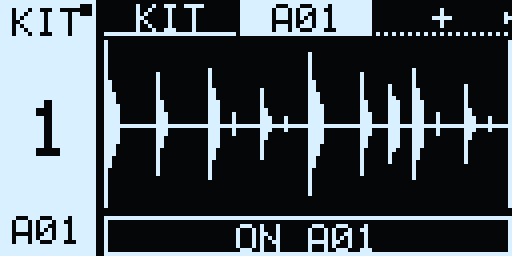
Melodee's Chop, up to 128 slices.
MoveThe Move has Slice in the sample's options.
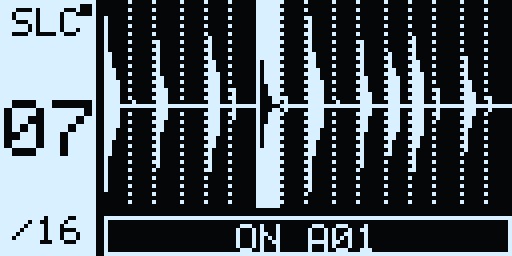
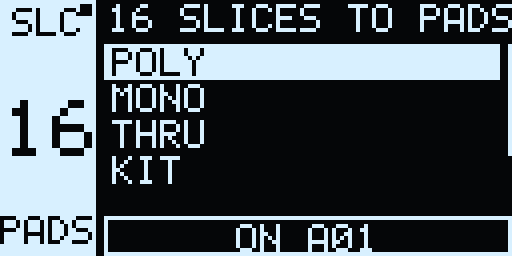
Chop cuts the last pad's sample by Auto, Beats, Regions, Threshold or by hand. The pads play the slices and the steps show where the cuts fall. Push the jogwheel for To Pads.
- Cuts
- Auto, Beats, Regions, Threshold, Manual
- To Pads
- Poly, Mono, Thru, Kit, Pattern
- Slices
- Up to 128, 32 at a time on Plus and Minus
Sequencer
The steps, with Melodee's TRIG.
MoveThe Move's steps hold notes, and a knob turned on a held step records automation.
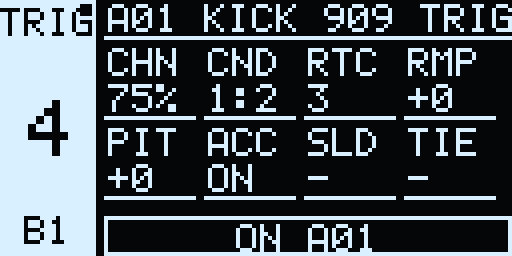
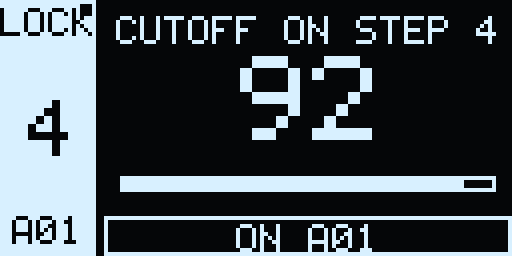
A held step shows its velocity, length, transpose and nudge, a knob turned is a lock, and the push opens TRIG. Note/Session is the Patterns grid: launch, chains, copy and sequences.
- Resolution
- 960 ticks a quarter, as the MPC
- TRIG
- Chance, conditions, ratchets, accent, slide, tie
- Patterns
- Up to 128 bars, chained
- SEQ pages
- Pattern, step entry, Roll, Motion, MOD, macros, feel, follow actions, lanes, Euclid
Effects and mix
Melodee's 41 effects, and Schwung's.
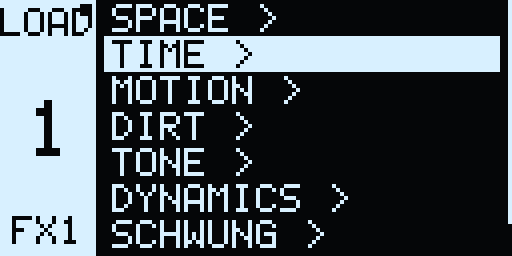
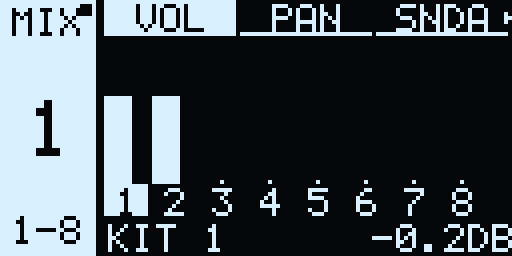
Effects go in Melodee's chains, with Schwung's audio effects beside them. On Play the jogwheel walks the chain and the knobs follow. Shift + Step 4 opens the Mixer: eight tracks' levels, pans or sends on the knobs.
- Chains
- Six on a track, four on a kit pad, six on each of buses A-D and the master
- Master
- Compressor after its chain
- Mixer
- Levels, pans, sends, submixes S1-S8
Samples
Load, record, recall.
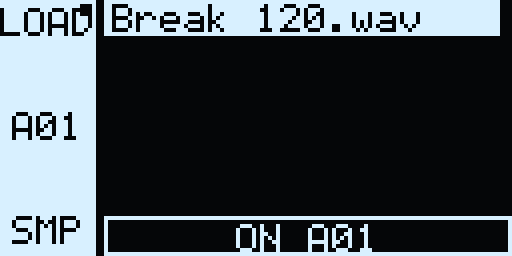
Load puts WAV, AIFF, FLAC, Ogg or MP3 files on the last pad, each heard as the jogwheel lands on it. The Sampling button records onto a pad, at once or from a threshold; Shift + Sampling puts the input's last 25 seconds on the next empty pad.
- Places
- My Samples, Recordings, Ableton's Core Library, Starred, Recent
- Sample Options
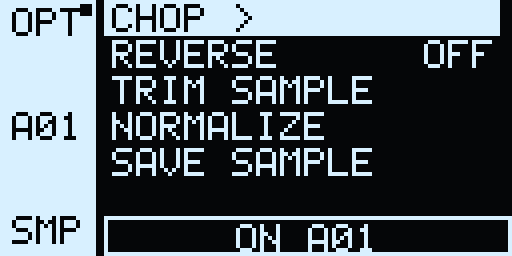
- Chop, Reverse, Trim Sample, Normalize, Save Sample
- Expansions
- MPC .xpn files installed from the browser
Also
And the rest of Melodee.
- Looper
- Melodee's four tempo-synced loops, L1-L4, each on a loop track of its own (Shift + Step 12).
- Synth tracks
- Schwung's sound generators as instruments, their pages on the knobs and their presets on the jogwheel.
- Song and exports
- A lane per track, markers and the tempo lane (Shift + Step 13). Exports a mixdown or stems, a MIDI file, an MPC 3 project or an Ableton Live Set.
- Audio tracks
- Rec arms the track and Play records one pass of its pattern, which the pattern then plays.
- Web page
- Melodee's page at move.local:8080, on the USB cable or the network.
- Screen reader
- With Schwung's screen reader on, Melodee speaks through Schwung's own speech.
Install
From Schwung's module catalog.
Schwung, by Charles Vestal, runs modules and tools beside the Move's own firmware.
- 1Install Schwung on the Move, as its page says.
- 2Open Schwung Manager at
http://move.local:7700. Under Modules, install Melodee, listed under Tools. - 3On the Move, open Tools › Melodee (SHIFT + VOLUME + STEP 13). SHIFT + BACK ends it, and the Move starts again.
Without the catalog: in Schwung Manager, Install Custom Module, From GitHub URL, https://github.com/keremimo/melodee-move. With Schwung 1.9 or later, Melodee is also a row in Schwung's choice of what the Move starts in; it never becomes the start by itself.
Melodee on Move is free software under the GNU AGPL 3.0: source on GitHub. Ellic Studio is not affiliated with or endorsed by Ableton. Move is Ableton's product. Schwung is Charles Vestal's.