Melodee 0.10.4This is the manual for Melodee 0.10.4. The newest release is 0.10.6: what's new since 0.10.4 · this page for 0.10.6.
Manual · Chapter 16
Exit and troubleshooting
How to leave Melodee from the Exit screen, and what to check when Melodee does not start, the stock app comes back, the audio crackles or a plug-in does not load.
Exit
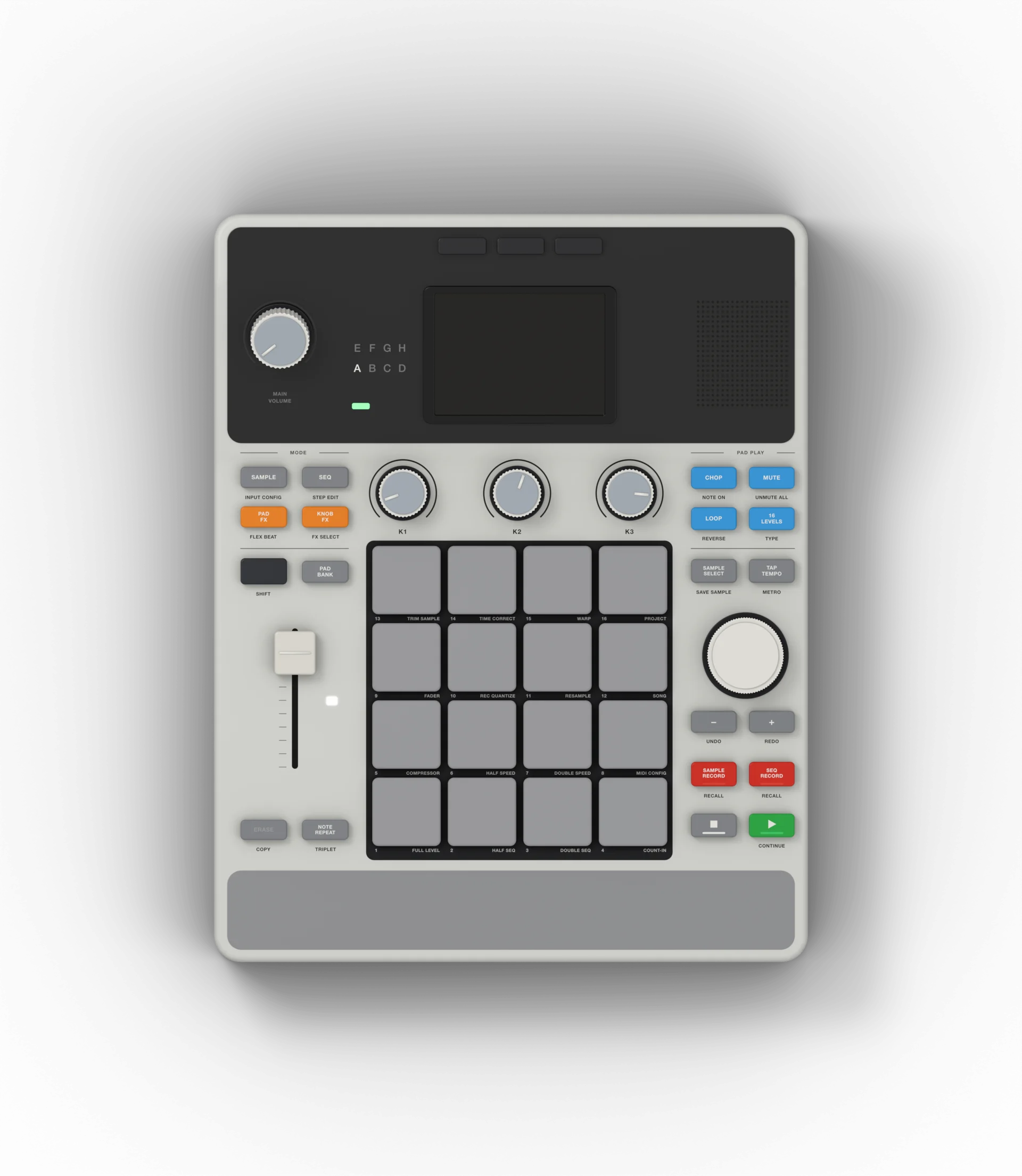
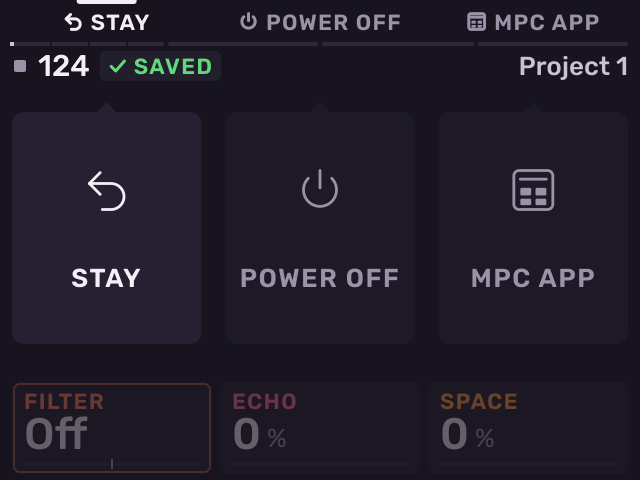
Press POWER briefly. The Exit screen opens.
| Press | Action |
|---|---|
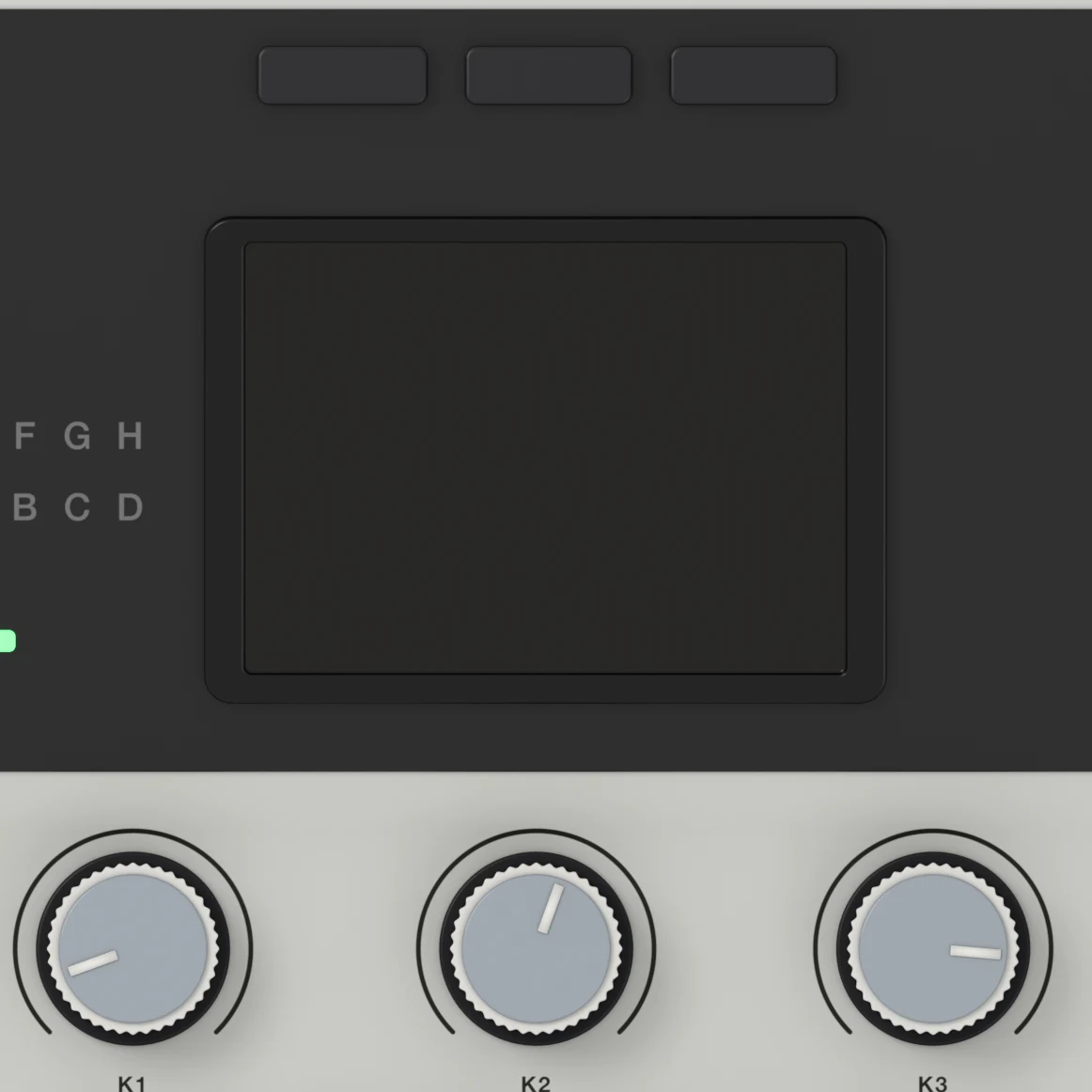
| B1 (STAY), or POWER again | Go back to Melodee. |
| B2 (POWER OFF) | Save the project and switch the MPC off. |
| B3 (MPC APP) | Save the project and run the stock app until the next time the MPC is switched on. |
Or turn the encoder to pick one and push it. STAY is picked when the screen opens.
| Header | Means |
|---|---|
| UNSAVED | The project has changes. |
| SAVED | The changes are kept. |
With Autosave off in Settings, POWER OFF and MPC APP don’t save: they say DISCARDS while the project has changes.
The next time Melodee starts, it opens the project set to open at start, or else the last project you opened or saved.
Troubleshooting
Melodee does not start
Check that:
- The MPC has firmware 1.3.0.12, 1.4.0.7 or 1.4.0.8.
- The
autorunfolder andautorun.share at the top level of the card, with their files unchanged. - On firmware 1.4, Developer Mode is on (stock app Settings, DEV ENHANCEMENTS (BETA)). The stock app asks before it runs the card’s autorun script: press Yes.
The stock app came back
- If Melodee crashes or fails to start, the stock app starts instead. Switch the MPC off and on to start Melodee again.
- On firmware 1.4 the stock app asks to run the card’s autorun script each time it starts: press Yes to start Melodee again.
- A crash writes a report to
Melodee/Crasheson the card, one file a crash, with the last buttons pressed and the pages they were on. Add it when you report the problem.
A page or key in this guide is not there
Melodee is on Basic.
- Hold SHIFT and press PAD 8.
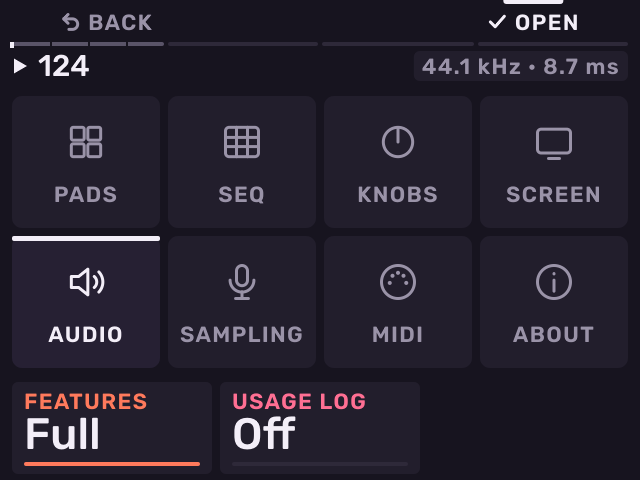
- Turn K1 (FEATURES) to Full (see Basic and Full).
 12
Crackles or dropouts
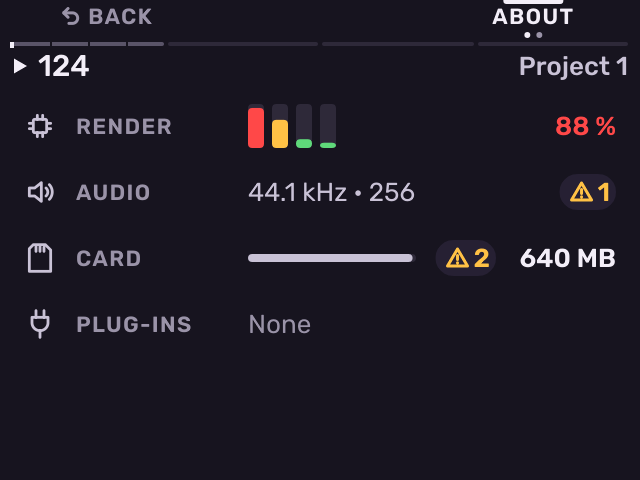
Open Settings, ABOUT. It shows the processor load per core, the audio dropouts and card read problems, each in amber with a count once it happens.
- Use a larger audio buffer in AUDIO.
- Or remove effects or plug-ins from the busiest track. The Menu’s header shows the CPU and the selected track’s load.
A plug-in does not load
| Where | What it shows |
|---|---|
| The picker | The reason, for example “Windows and Mac builds only”. Melodee runs only Linux ARM builds. |
| Stage’s EDIT page | WON’T OPEN or MISSING LIBRARY: the plug-in loads but cannot open. |
| Its page | STOPPED: a 32-bit plug-in crashed. Pick it again to reopen it. |
An instrument or a long sample loads slowly
These are decoded into Melodee/Cache the first time:
- An instrument’s FLAC, Ogg, AIFF and SoundFont samples.
- Long MP3, FLAC, Ogg and AIFF samples.
Later loads are fast. WAV samples need no decoding.
Report a problem
Say:
- What you pressed.
- What you saw.
- The version: press B3 on the ABOUT page.