Manual · Chapter 01
Overview
What Melodee is, what a project holds, and what is around it: the Menu, Basic and Full, plug-ins, the card, the web page and updates.
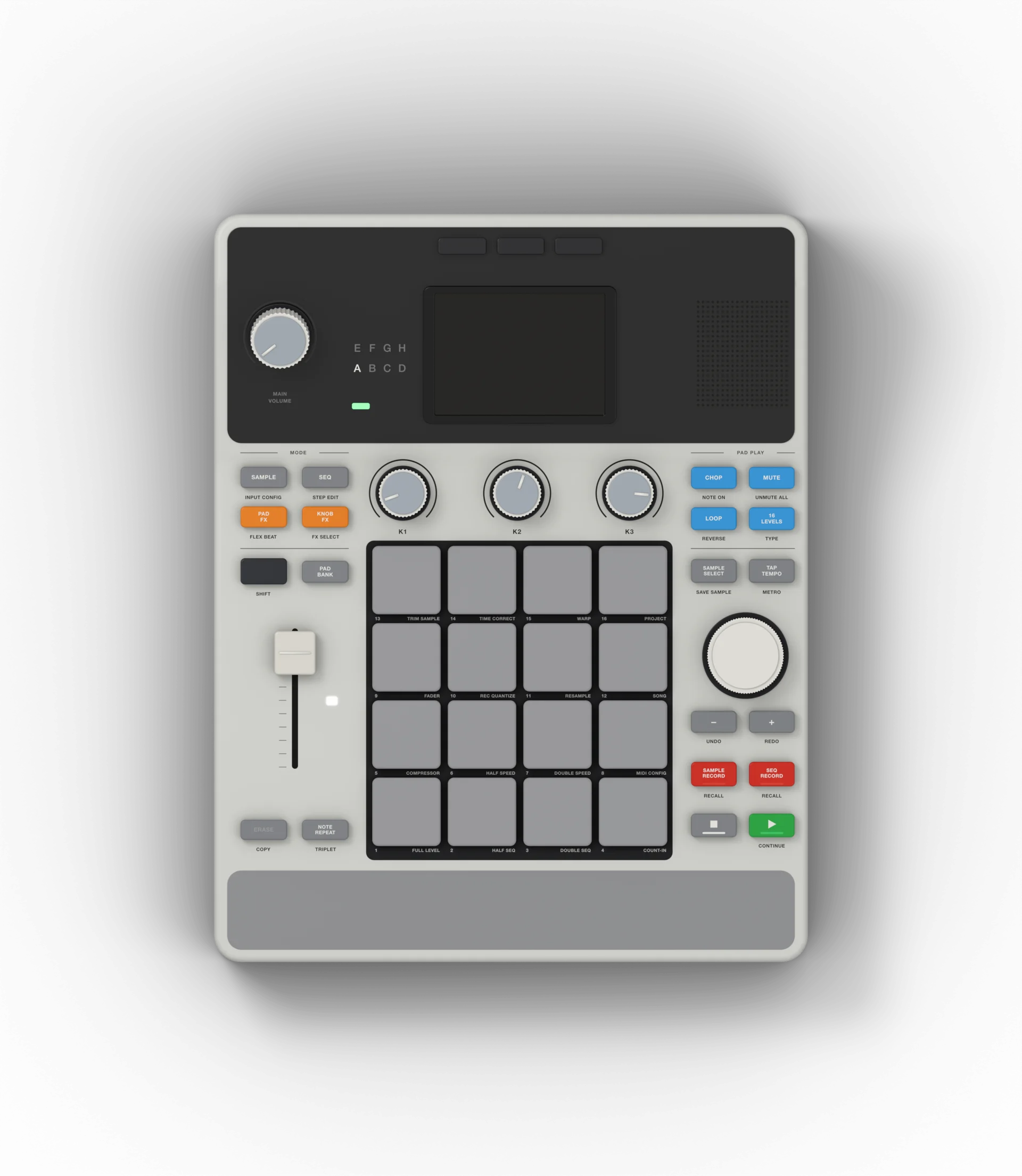
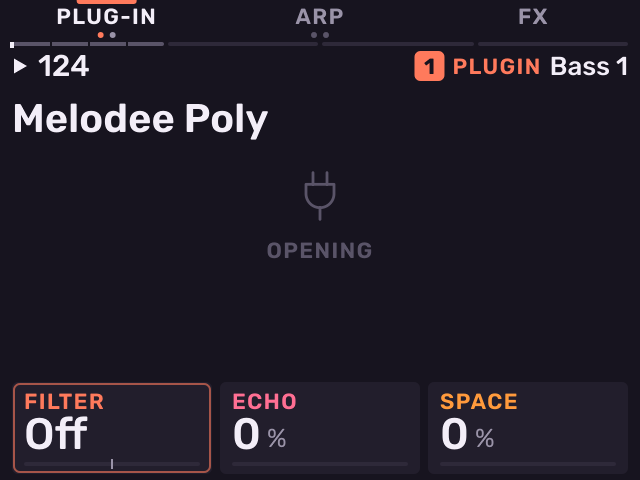
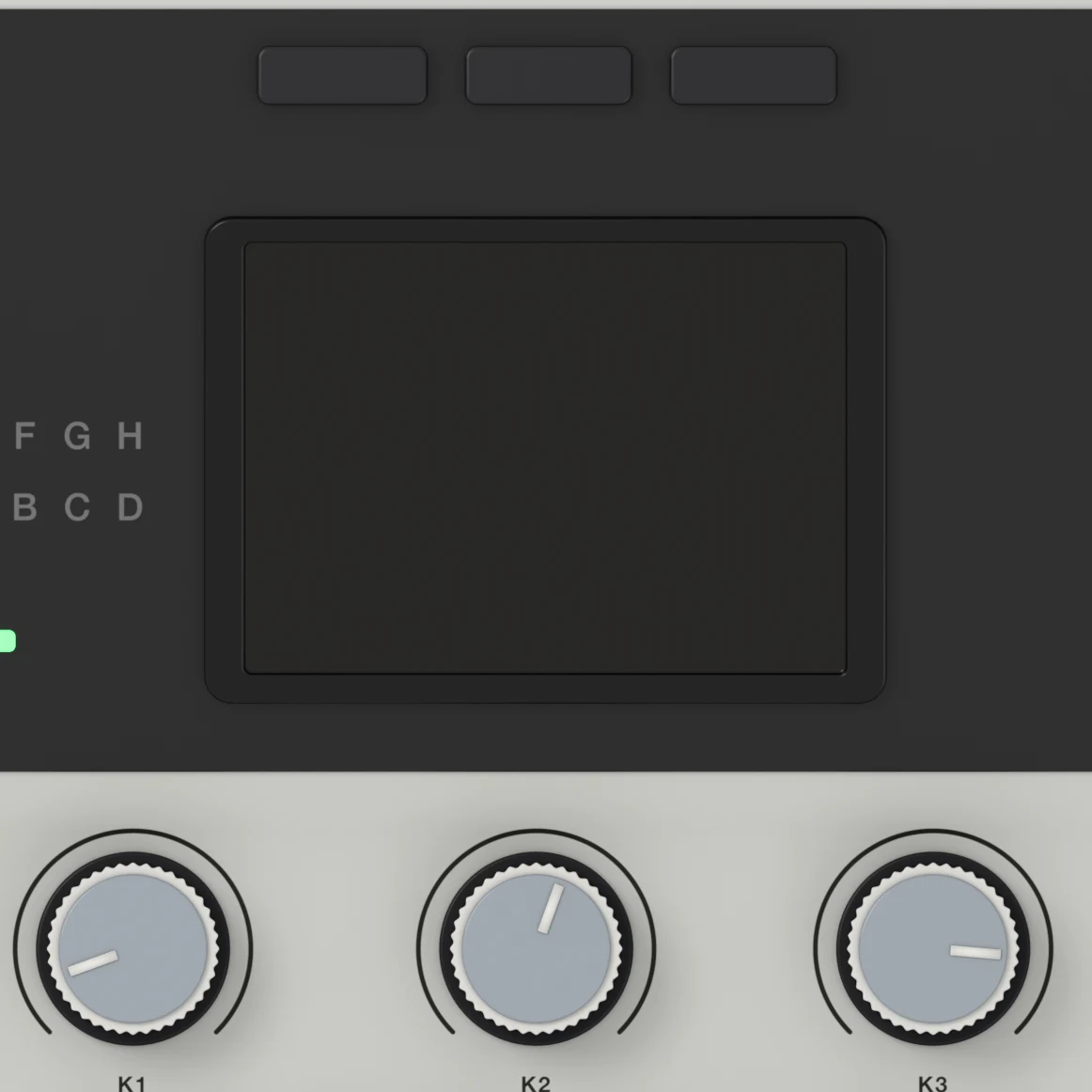
Melodee is a groovebox app for the MPC Sample. It runs from the microSD card in place of the stock app. It changes nothing on the MPC itself.
A project
| Part | What it is |
|---|---|
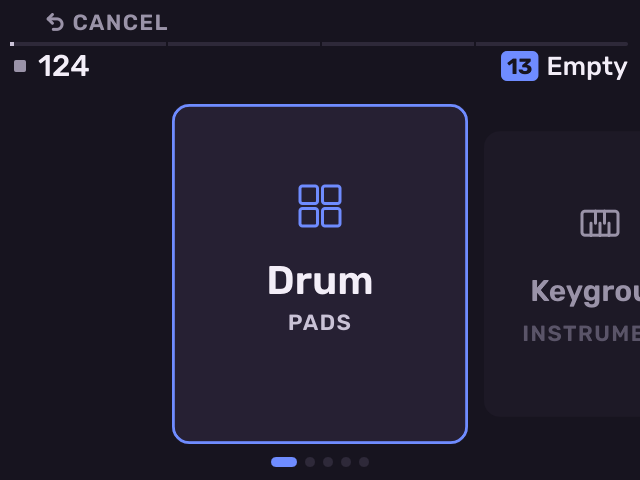
| 16 tracks | One for each pad. A new project has none: it opens on track 1 with the track types (see Make a new track). |
| 128 patterns per track | In 8 banks (A–H) of 16. A pattern holds notes and knob movements (Motion), up to 128 bars long. Each track plays one pattern at a time and can change pattern on its own. |
| 128 sequences | Sequence 3 is pattern 3 of every track. Launch a sequence to change all tracks at once. |
| A song | An arrangement of pattern clips on a timeline, one lane per track. |
| A mixer | A level, pan and four sends per track, four buses (A–D) and the master. On a kit, each pad also has its own four sends. |
| Effects | A six-slot chain on every track, bus and the master. A slot holds a built-in effect or a plug-in effect. |
| The Looper | Four audio loops (L1–L4) that follow the tempo. |
| Prints | A track can be frozen. Its patterns are rendered to audio on the card and play from there, which saves CPU (see Freeze a track). |
Track types
A track is one of these types. The header shows the type’s name next to the track’s number.
| Type | In the header | Plays |
|---|---|---|
| Kit | SAMPLER | 128 pads in 8 banks (A–H), each pad playing a sample or a sampled instrument. |
| Keygroup | KEYGROUP | One sampled instrument, or one sample, played across the pads and keys. |
| Plug-in | PLUGIN | A VST3, LV2, CLAP or VST2 instrument from the card. |
| MIDI | MIDI | Notes, CCs and program changes sent to an external instrument. |
| Audio | AUDIO | A recording of the input in each pattern. |
Around the project
| Part | What it is |
|---|---|
| The Menu | Hold the encoder on any page. It lists the page’s jobs and the 16 places, and opens the lessons (see The Menu). |
| Basic and Full | Melodee starts on Full, which shows every page in this guide. Basic shows the stock app’s pages plus tracks, plug-ins, the mixer and Song (see Basic and Full). |
| Plug-ins | They go in Melodee/Plugins on the card. The plug-in picker can also load one from any folder on the card (see Plug-ins). |
| The card | Everything Melodee makes is in the Melodee folder, such as projects in Melodee/Projects and samples in Melodee/Samples. The only other folder Melodee needs at the card’s top is autorun (see Files on the card). |
| Updates | A release zip copied to the card, or sent from the web page, updates Melodee (see Update Melodee). |
The web page
- Connect the MPC to a computer with USB-C.
- Open http://melodee.local while Melodee runs.
Its tabs are Device (updates and plug-in zips), Files (the card’s files), Quickstart and Manual (this guide).